
 DA
Active learning with Panopto
Home Video solution Panopto Higher education Active learning

Turn passive recordings into active learning
Most course video is made to be watched, not used. Teachers spend a lot of time recording it, but students are rarely asked to do anything with it. Questions go unasked because there is nowhere to ask them, and nobody finds out whether a concept landed until the exam. A student who falls behind can't flag it in the moment, and the teacher gets little feedback on how the material is received until it is too late to change anything.
With Panopto, participation, reflection and assessment become part of the video. Students stay active whether they watch in class or on their own.
Viducon is the official Panopto partner in Denmark. We handle implementation, support and workshops in Danish for your institution, from the first demo through to daily use.

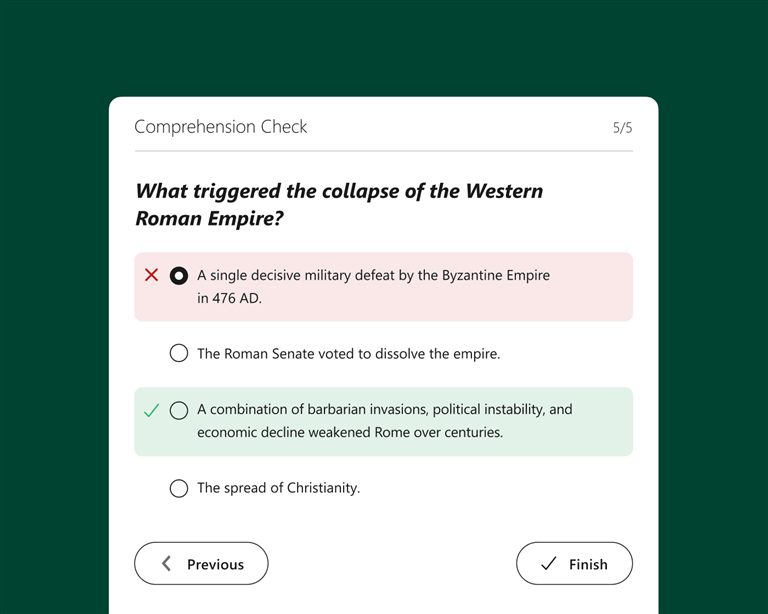
Check understanding at the moment it matters
You can place quizzes and knowledge checks anywhere in a recording. The video stops at each question, so students have to think about the point before they continue. In many LMSs the results go straight to the gradebook, so teachers can see how well the class understands the material without a separate test tool.
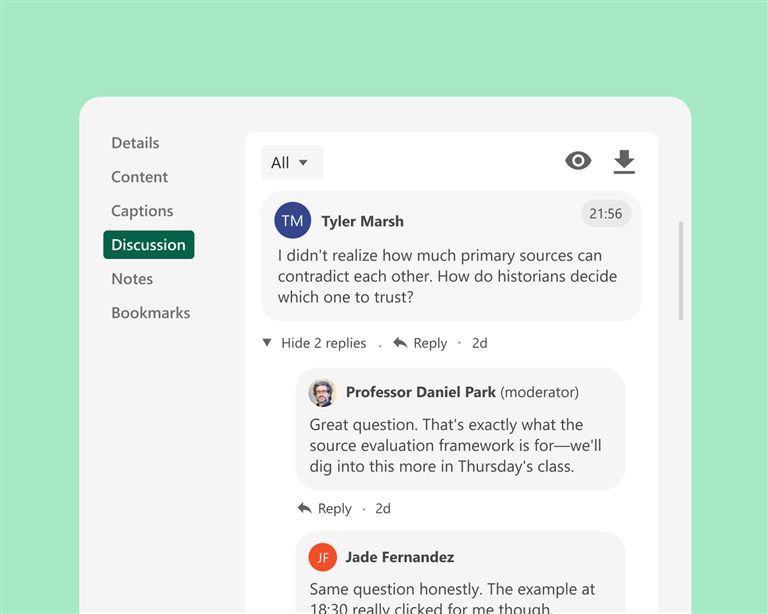
Anchor the discussion in the content
Students can write comments with a time stamp, so a question or an answer is tied to the exact place in the video it is about. Teachers can reply there too. The recording then becomes a conversation that can continue after the lesson is over.
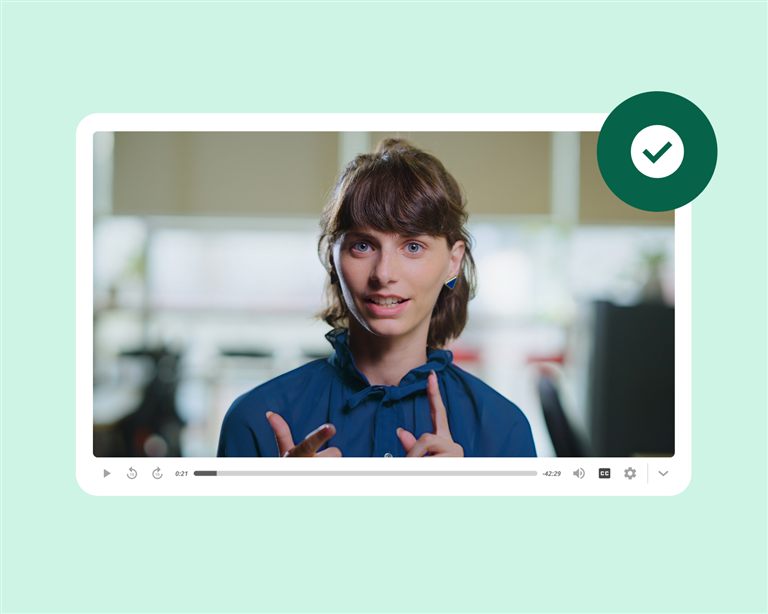
Let students show what they know
Students can record presentations, explanations and demonstrations in Panopto and share them with the class. They practise communication at the same time as they learn the subject. With peer review, classmates can give each other feedback without leaving the platform.
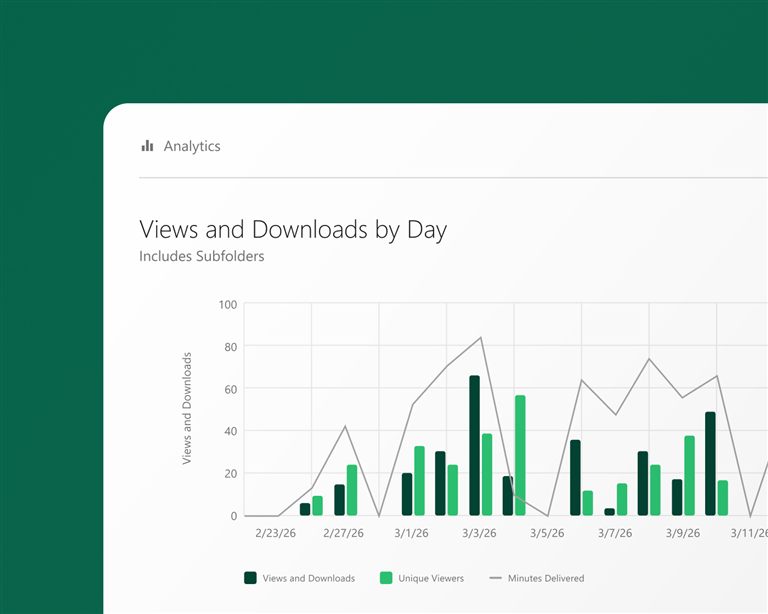
See where students engage, and where they don't
For each viewer, you can see how much of a recording was watched and how much was completed. That shows which topics need another look before the next lesson. Together with the quiz results, it gives a clear picture of how actively the class works with the material.
What institutions achieve with Panopto
students reported better grades
University of Washington
lower production costs
Kazakh-British Technical University
students improved knowledge retention
Butler University
more video adoption thanks to ease of use
Northeastern University
Figures from Panopto customer case studies.
Frequently asked questions about active learning with Panopto
How does Panopto support active learning with video?
Panopto lets students respond to a recording rather than just watch it. Teachers add questions at chosen points, and students answer before the video goes on. That creates some commitment without anyone having to attend live. The same recording works both as teaching material and as a formative check, and it shows the teacher what was understood and where the class needs more help.
Can teachers see how students engage with course video?
Yes. Panopto records engagement for each viewer, such as where students pause, rewind or stop watching. Teachers can see which parts students return to and which parts need to be gone through in class. Together with the quiz results, it shows how well students prepare before the exam, so class time can be spent on what needs it most.
Does Panopto support peer learning and student discussion around video?
Yes. Students can post comments and questions with a time stamp, tied to a specific point in a recording, and teachers can reply there. The discussion stays with the recording and does not move to another channel. Students who watch at different times can still take part in the same conversation, without a live session.
How does Panopto support active learning in large lecture courses?
Questions placed throughout a recording give you data even in big classes: how many finished, how the quizzes went and where people stopped watching. That includes the students who never speak up or visit office hours. In large introductory courses, where passive viewing is the biggest risk, regular questions help keep students involved. Teachers can then adjust the pace, re-record an unclear part or spend class time on specific topics, based on data rather than a hunch.
Does Panopto integrate with the LMS for active learning assignments?
Yes. Panopto works with Canvas, Blackboard, Moodle and D2L Brightspace through LTI. Where the integration supports it, scores from in-video quizzes are sent to the LMS gradebook. Students watch interactive recordings inside the course they already use, and teachers who grade preparation or participation avoid copying scores over by hand.
Ready to get started?
See how your institution can build participation and assessment into its videos, inside the LMS your students already use.