 DA
DAElai
Home AI video studio Elai
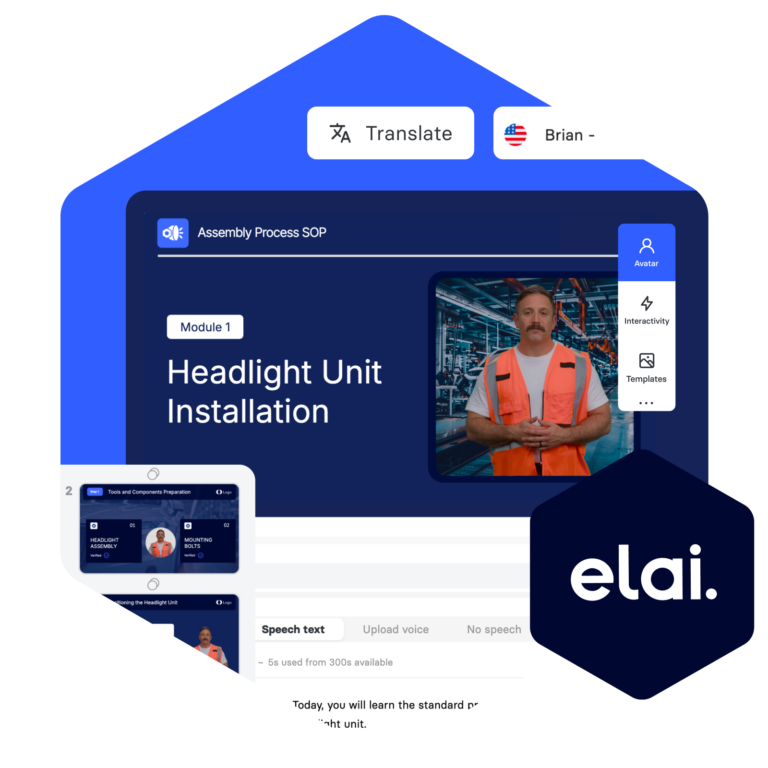
Turn what you already know into video, without a camera
The AI Video Studio Elai lets a subject-matter expert publish a finished, narrated video without booking a studio or waiting on an editor. Start from a script, an existing slide deck or a blank page, and the video lands in your video library ready to be found and tracked from day one.
Viducon is the official Panopto partner in Denmark (Elai was acquired by Panopto in 2024). We handle implementation, support and workshops in Danish for your organisation, from the first demo through to daily use.

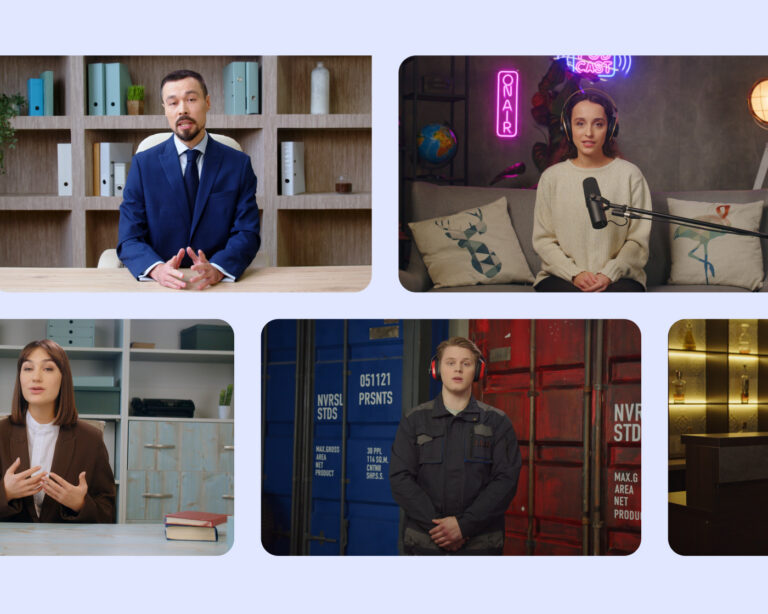
80+ High-Quality AI Avatars
Select from Elai’s cast of video presenters – or AI avatars – to produce high-quality engaging video content. Or, create your own avatar.
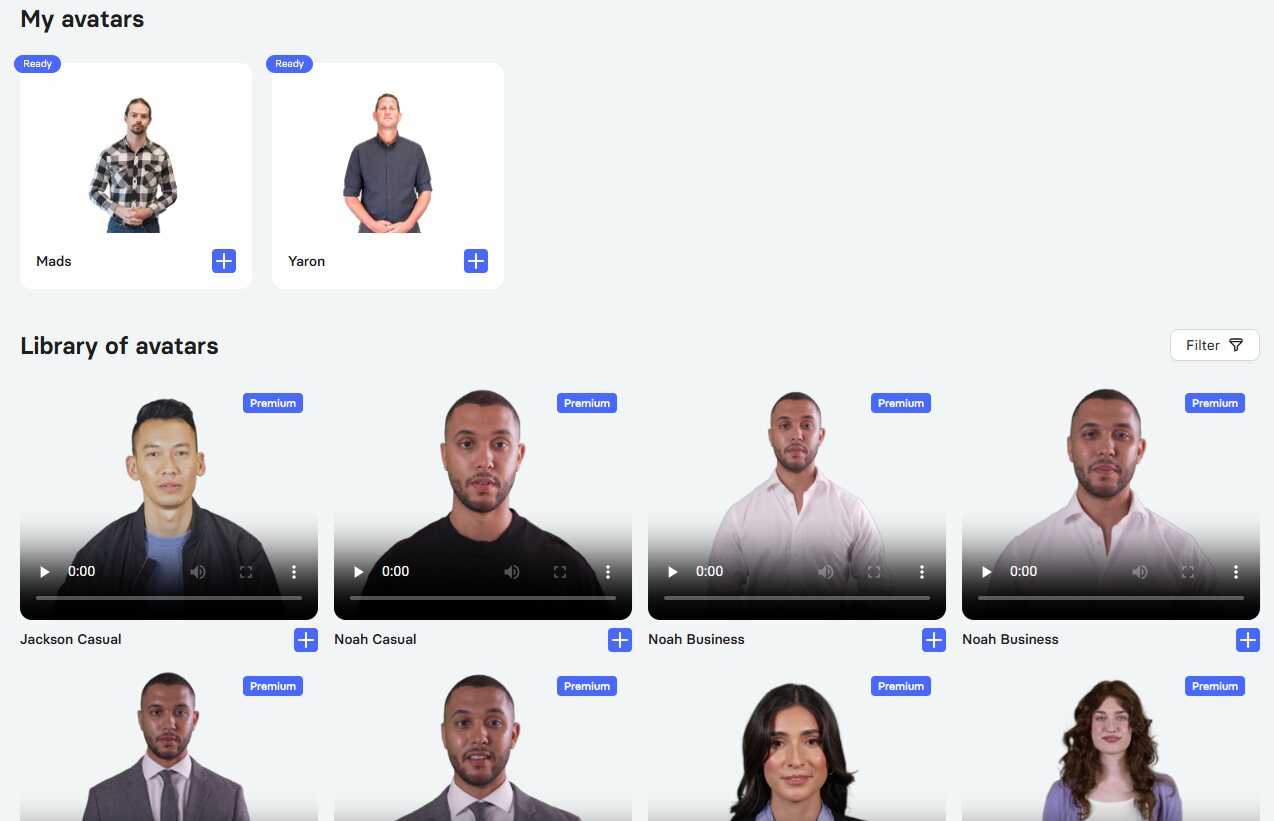
Screenshot from Viducon’s Elai platform where we have personal avatars of Mads and Yaron.
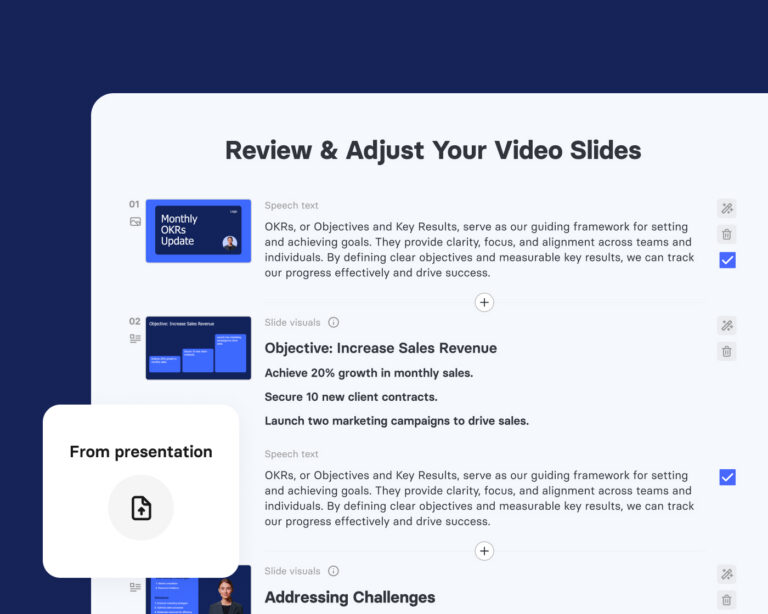
Built from material you already have
Lecture slides, training material, compliance documents and standard procedures can all be turned into a narrated video without a camera, a studio or a production crew. Work that used to take weeks of scheduling now takes minutes, and it publishes straight into your video library.
An avatar or a voice, whichever fits the content
Choose from a library of licensed AI avatars and voices, or clone your own voice for a more personal presenter. Two avatars can be set up to talk to each other for scenario-based training, which adds realism without adding production steps.
Avatars are optional, not required — slides with voiceover, screen recordings with narration, and text-and-image-only formats are all fully supported.
Give learners something to do, not just watch
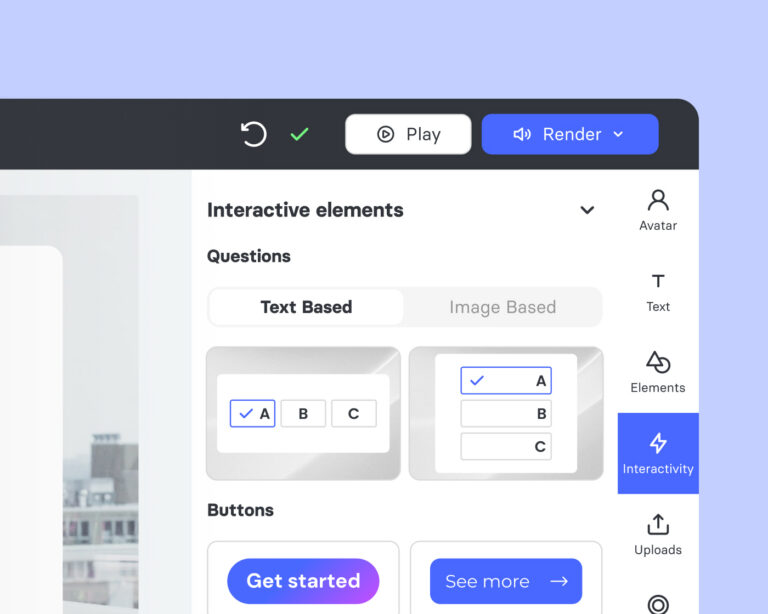
Knowledge checks, branching scenarios and clickable navigation are built into the same editor the video was made in, so there's no separate authoring tool and no developer required to add them.
Update the content without redoing the whole video
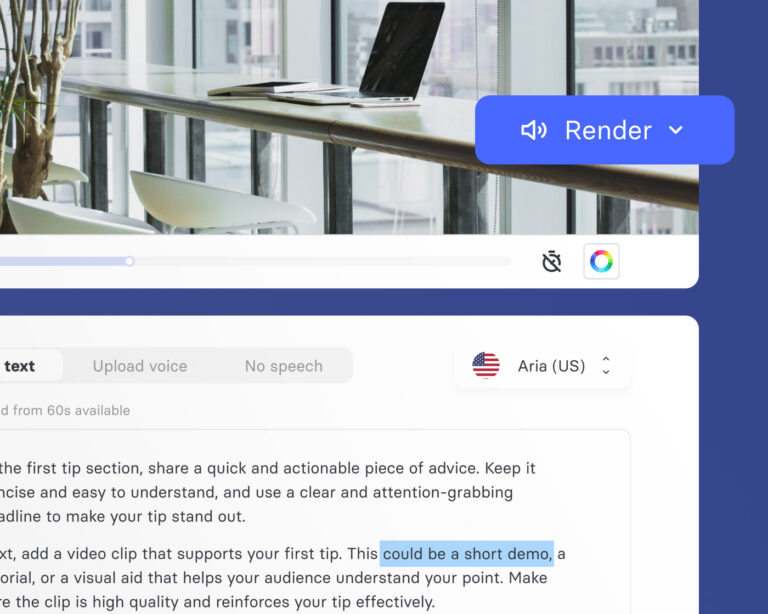
When a policy changes or a product gets updated, editing a scene is as simple as updating the script text and re-rendering that one section. The rest of the video stays exactly as it was — no re-recording, no full re-edit.
Rated by the people who actually use it
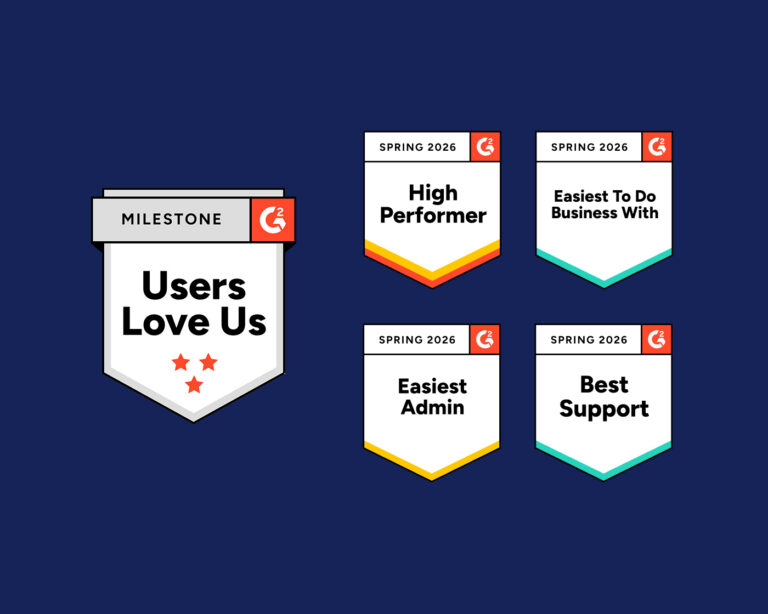
The AI Video Studio Elai is reviewed on G2 by real users on ease of setup, how the support team responds when something goes wrong, and whether people would recommend it to a colleague.
Video with AI avatar from Elai:
Support, security and trust
● Dedicated support from Viducon Customer Success Team
● Access to Elai Academy
● Onboarding & Strategy Advisory
● GDPR & CPPA Compliance
● SOC 2 Type II Certification
Start from wherever your content already is
A template, a prompt, or a video you've already made — The AI Video Studio Elai can pick up from any of them.
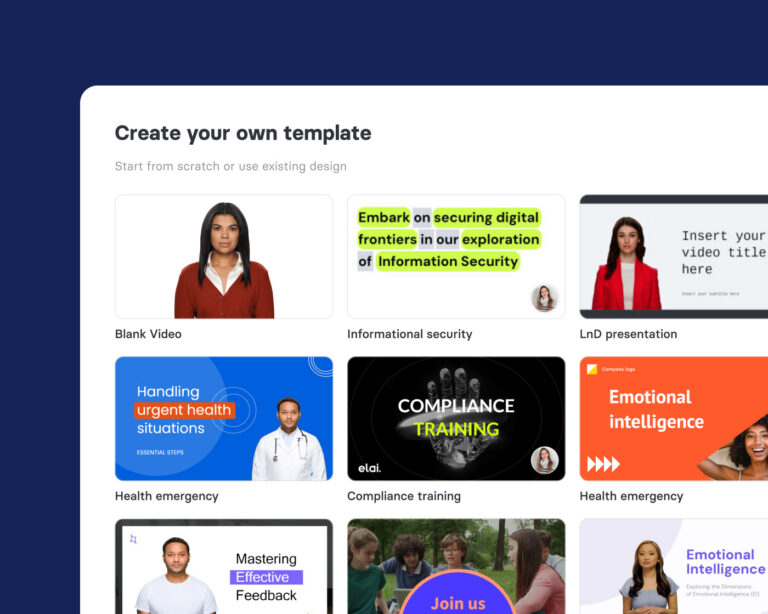
From a template
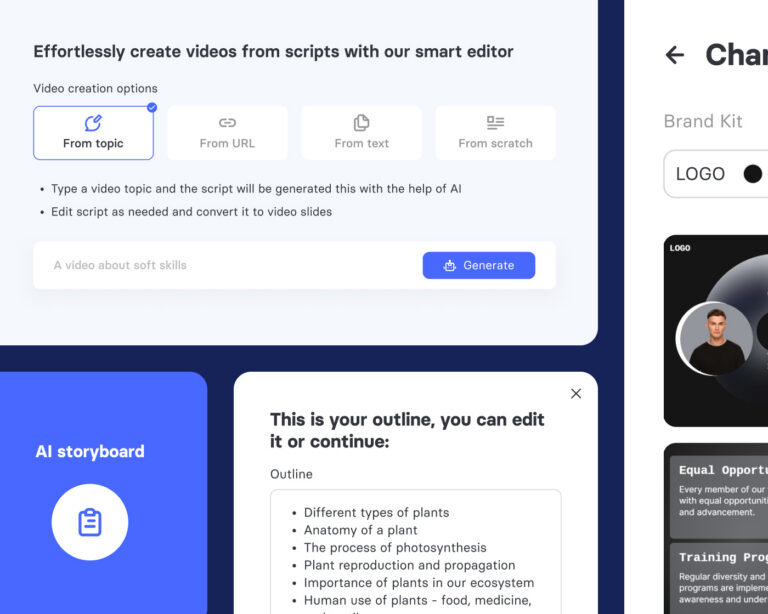
From a topic or prompt
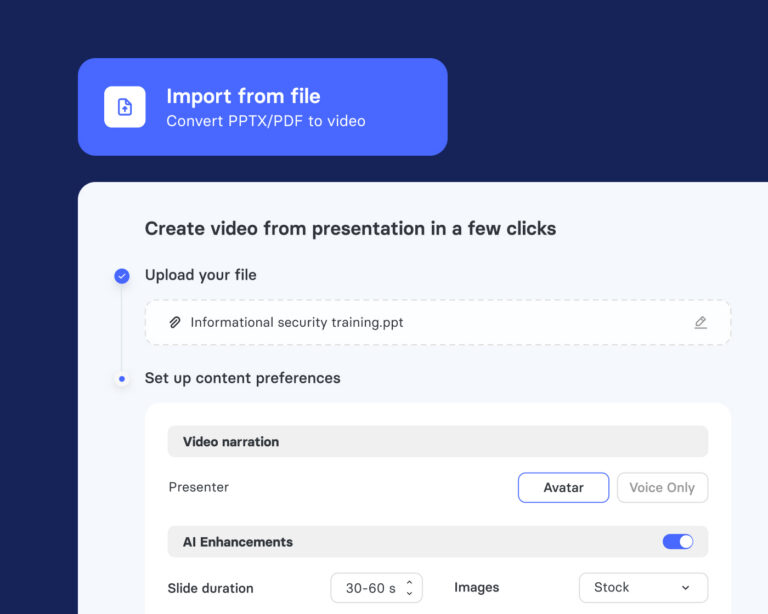
From existing content
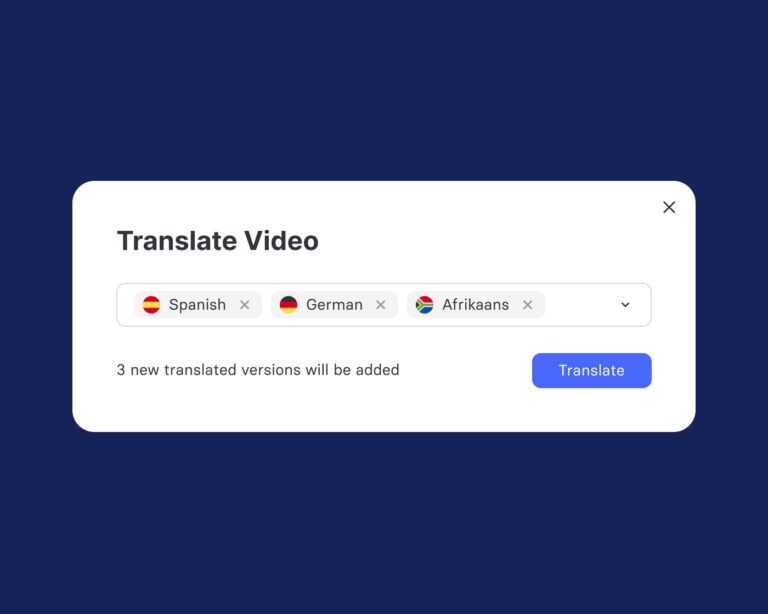
From an existing video
One video, many languages
Pick a video from your library, choose the target languages, and the script gets translated, the narration re-synced and the captions updated together. One video becomes several without re-recording a single word.
Frequently asked questions
Do I need video production experience to use The AI Video Studio Elai?
No — that's the point. There's no camera, microphone, studio or editing skill required. If you can upload a slide deck or write a paragraph of text, you can put together a professional video.
How does slides-to-video actually work?
The AI Video Studio Elai reads both the visible content on a slide and any speaker notes attached to it. If speaker notes exist, they're used as the narration script; if not, a script is generated from the slide content. Each slide becomes a scene, with the chosen avatar narrating while the slide's visuals play on screen.
How good is the translation quality?
Translation and voice generation are available across a wide range of languages, with voice cloning supported so the original speaker's voice can carry across the translated versions.
Can I update a video if the underlying content changes?
Yes. Because a video is generated from a script and a set of slides, you can open any video, edit the script for one scene, update that slide's content and re-render just that section without touching the rest.
Ready to make high-quality videos in minutes with AI?
The AI Video Studio Elai lets your organisation produce polished video at scale, with no camera and no production crew.