 DA
Lecture capture with Panopto
Home Video solution Panopto Higher education Lecture capture
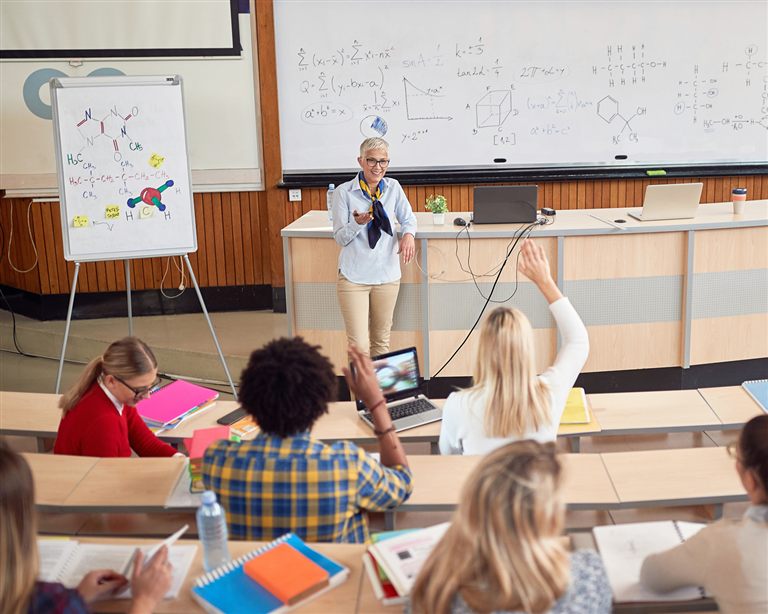
Make every lecture accessible and searchable
Most institutions have invested a lot in classroom technology and recording equipment, but the recordings seldom get used as much as they could. Students watch whole sessions again to find the one thing they missed, teachers rebuild the same lectures every term, and captioning is left to individual teachers, done by hand and unevenly. The recordings exist, but they are treated as an archive rather than a learning tool.
Recording a lecture is only the start. Panopto makes the recordings searchable, accessible and reusable, places them in the LMS and makes them available on demand, in a way that suits how students actually study.
Viducon is the official Panopto partner in Denmark. We handle implementation, support and workshops in Danish for your institution, from the first demo through to daily use.

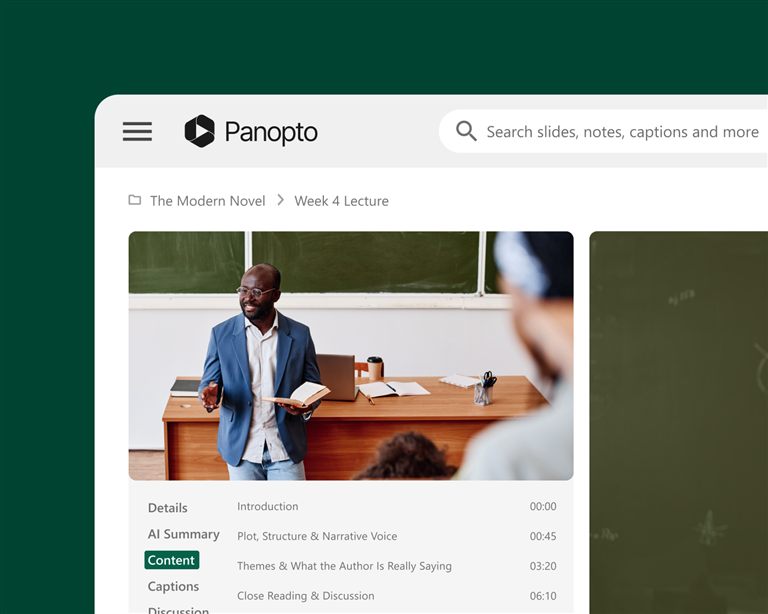
Let students revisit the moments that matter
A student can replay a difficult explanation, pause at a hard point or change the speed to suit how they learn, so the lecture doesn't end when the class does. Every recording can be searched by what is said and by the text on the slides, so students find what they need without watching the whole session again.
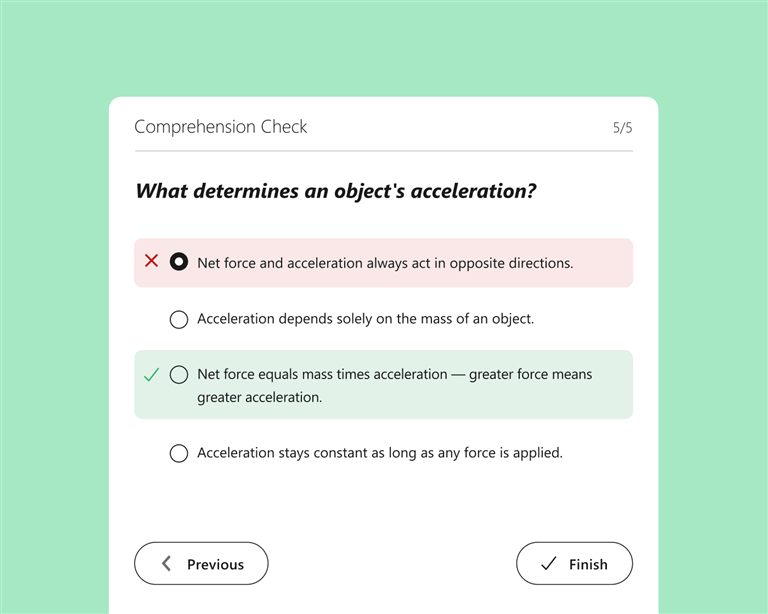
Give students a better way to prepare for exams
Students can search across all the recordings in a course for a term, a concept or an explanation and go straight to the right place, instead of relying on notes and memory. With quizzes in the video, the recordings also work as active study material and not just an archive.
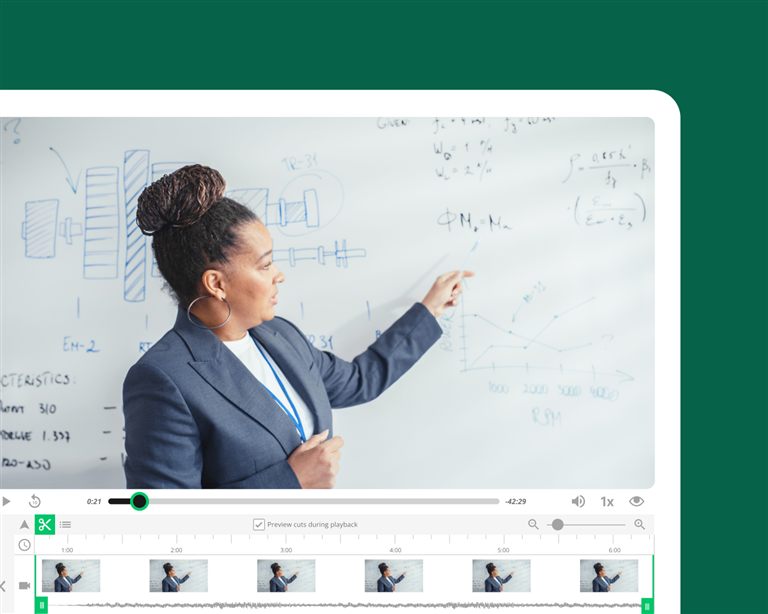
Record once and build a library that teaches every term
Teachers who record the basic lectures in Panopto can reuse them across classes, semesters and course formats without recording again. Scheduling, LMS integration and automatic publishing remove most of the effort, so preparation time falls over the following terms.
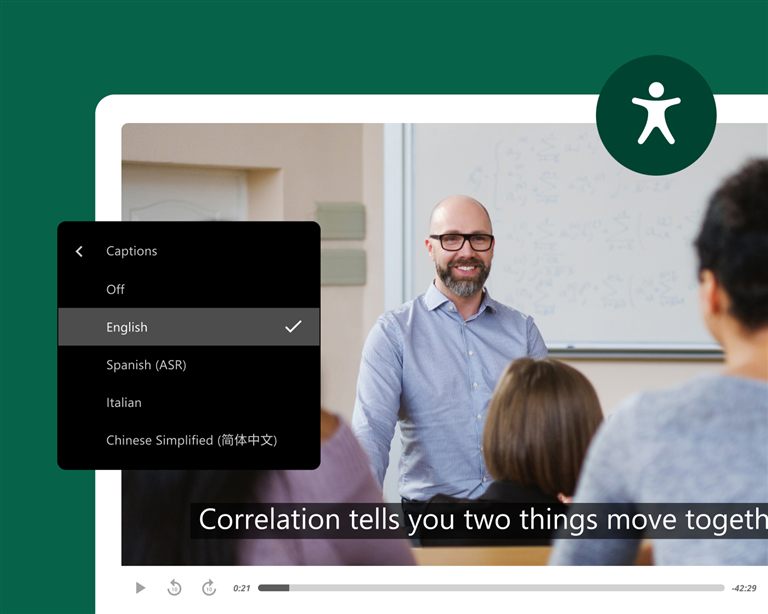
Make every recording accessible from the moment it's published
Panopto creates captions and transcripts for every recording automatically, at scale and without manual work from teachers or learning designers. Because accessibility is automatic, it is the same everywhere and doesn't depend on each teacher remembering it.
What institutions achieve with Panopto
students reported better grades
University of Washington
lower production costs
Kazakh-British Technical University
students improved knowledge retention
Butler University
more video adoption thanks to ease of use
Northeastern University
Figures from Panopto customer case studies.
Frequently asked questions about lecture capture with Panopto
How does Panopto automate lecture capture?
Panopto works with classroom AV systems and LMS platforms, so recordings can start, stop and be published to the course on their own, and teachers don't have to start or manage anything. Students find the recording in the usual course environment as soon as the session ends. The University of Washington has built a library of more than 60,000 hours of academic recordings with Panopto over three years, and 98% of students said Panopto contributed to their learning. At that size it is automation and LMS integration that make lecture capture something the whole institution can sustain, and not a project for single courses.
How do students use lecture recordings to study?
Panopto indexes every spoken word, slide and on-screen element in each recording. A student can search for a term or concept and go directly to the place where it was explained, instead of watching a whole session again. Panopto's customers in higher education report that 9 out of 10 students got better grades and 7 out of 10 remembered more after lecture video became a learning resource, based on figures from Butler University, Northwest University and KBTU. When recordings can be searched and are easy to move around in, students go back to them throughout the course.
Does Panopto work with Canvas, Blackboard and other LMS platforms?
Yes. Panopto works with Canvas, Blackboard, Moodle and D2L Brightspace through LTI. Teachers publish recordings directly from the course in the LMS, and students watch them in the tools they already use, without extra logins. For IT and learning technology teams at large institutions with hundreds of courses, this reduces support work considerably, because the recordings simply appear in the course.
How does Panopto handle accessibility for lecture recordings at scale?
Panopto creates captions automatically as part of the recording process, so every new lecture can be captioned by default, without extra steps for teachers or learning designers. For institutions with thousands of hours of material and hundreds of teachers, accessibility then becomes a system rather than something that depends on individuals. Documentation for WCAG 2.1 AA and Section 508 is available on request, and accessibility reports show the caption status of the whole video library. Under rules such as ADA Title II, the European Accessibility Act or the UK's public sector accessibility regulations, automatic captioning at scale is an important part of a sound compliance position.
Can teachers reuse lecture recordings across sections and semesters?
Yes. Recordings published in Panopto can be reused across classes, semesters and course formats without recording again. When something changes, teachers can trim, splice or add new parts with Panopto's built-in editor and update just those segments instead of rebuilding the whole lecture. For programmes with several classes on the same course, a shared library of recorded content also helps keep teaching consistent, whoever teaches a given class. The time spent recording basic content pays off every later term.
Ready to improve your lecture capture?
See how Panopto turns every recording into searchable, accessible learning material that is published to the LMS automatically, without extra steps for teachers.