
 DA
DATracking and analytics in Panopto
Home Video solution Panopto Capabilities Tracking and analytics
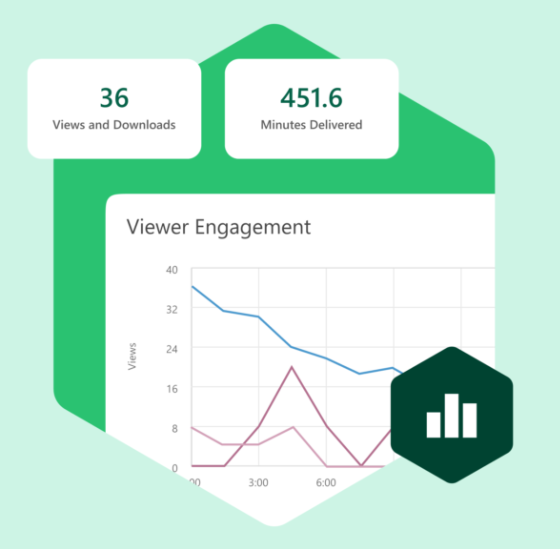
Know what's actually happening with your video, not just view counts
A view count tells you a video was opened. It doesn't tell you if anyone finished it, understood it, or came back to it later. Panopto tracks what happens after play is pressed, so you can see whether your video content is actually working.
Viducon is the official Panopto partner in Denmark. We handle implementation, support and workshops in Danish for your organisation, from the first demo through to daily use.

Records that hold up when someone checks them
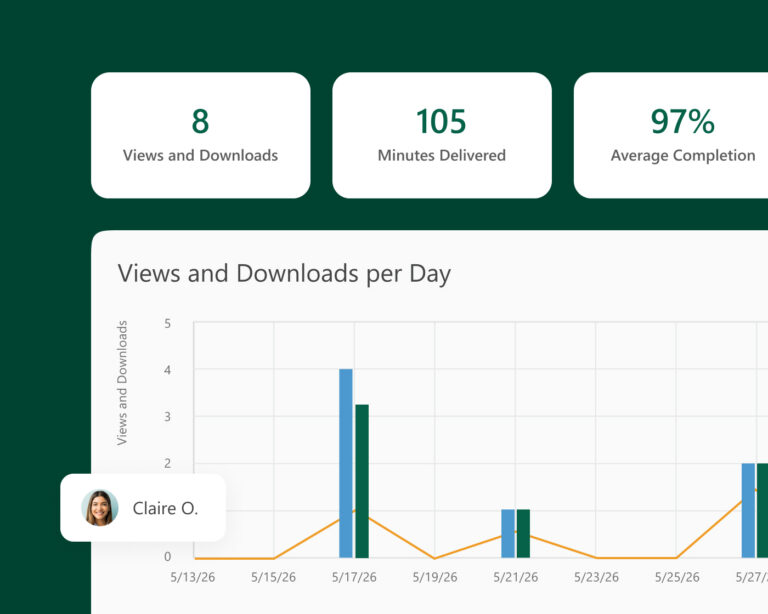
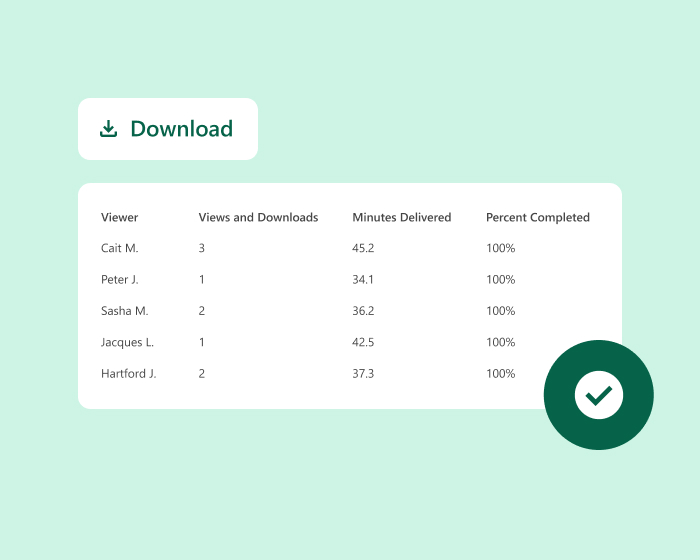
If your organisation has compliance training to account for, Panopto keeps track of exactly who accessed which content and when, along with completion status and time spent, so compliance and legal teams have solid documentation without piecing it together afterwards. When an auditor asks, a report can be pulled and exported in moments.
Proof, not just a completion checkbox
For mandatory training and compliance content, Panopto keeps a record of who watched what and when. When an auditor or a regulator asks for evidence, you can pull a report instead of having to reconstruct it manually.
Find out what's worth keeping
Library-wide analytics show which videos are actually being watched and which ones are sitting unused. That makes it easier to decide what to update, what to retire, and where it's worth investing in producing something new.
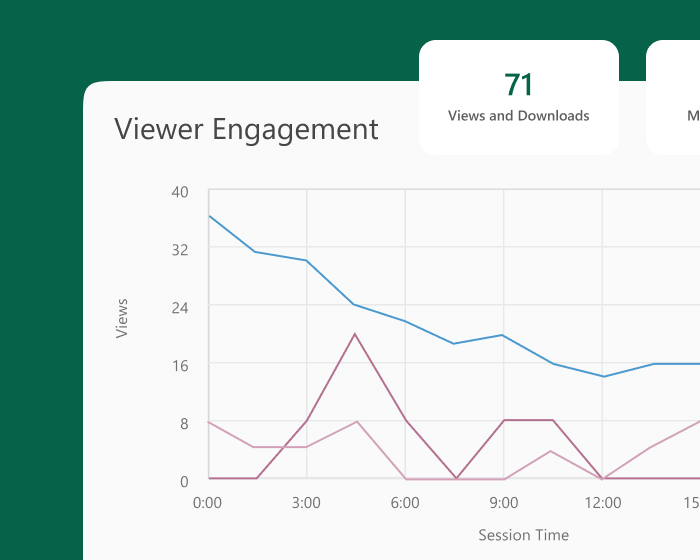
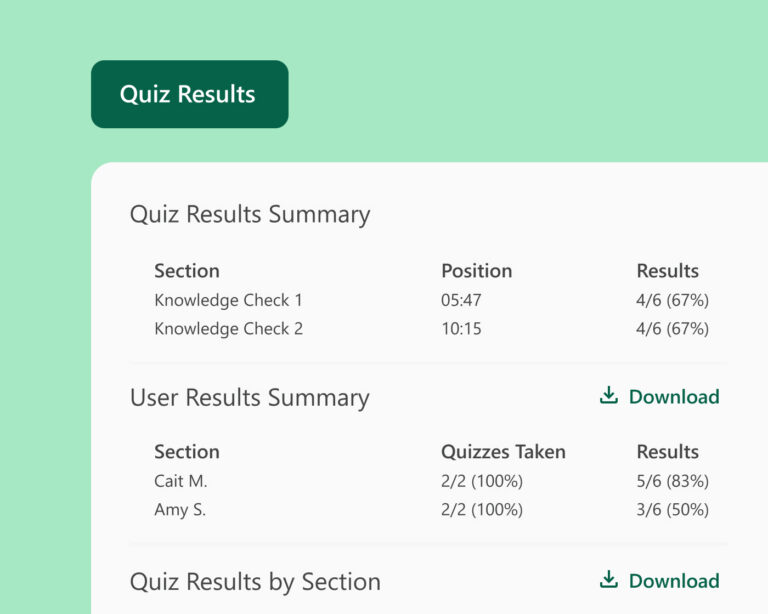
See who understood, not just who watched
When quizzes and assessments are built into a video, Panopto ties the results back to who watched what. That makes it possible to see comprehension at an individual or group level, not just play counts, which matters when video is being used for training that has to actually stick.
See more of what Panopto can do
Tracking and analytics is one part of a platform built to get more out of video across your organisation. Take a look at the other capabilities that make it possible.
Frequently Asked Questions about tracking and analytics in Panopto
What viewer data does Panopto track?
For each person watching, Panopto records how much of the video they saw, the percentage completed, the way they accessed it, and the moments where they paused, went back or stopped early. All of this can be looked at for one person or rolled up across a whole group, which is useful both for judging content and for helping individual learners.
How can I tell if my training videos are actually working?
Panopto puts viewing numbers side by side with results from any quiz built into the video, so it is possible to see not just who watched but who actually understood it. Looking at completion and quiz scores together at a group level makes it clear which content is doing its job and which topics people are still struggling with.
Can Panopto generate compliance training records?
Yes, every time someone accesses training content, Panopto logs it along with how much they completed and how long they spent on it, building a record that can stand up as proof for an audit. These reports can be filtered and pulled out as needed, which matters for industries with strict documentation requirements around compliance.
What library-level analytics does Panopto provide?
Across the whole library, Panopto shows how often each video gets watched and by how many different people, so it is easy to spot content nobody uses any more. From there it becomes much simpler to decide what needs a refresh, what should come down, and where making something new is actually worth the effort.
Does Panopto integrate analytics with my LMS or other reporting tools?
Yes, results and completion status update the LMS gradebook by themselves for systems like Canvas, Blackboard and D2L Brightspace, with no manual step needed. On top of this, Knowledge Insights adds its own dashboards for spotting trends across the organisation as a whole.
How does Panopto's engagement heatmap work?
A heatmap maps out, second by second, where people are actually paying attention throughout a video. It quickly highlights the sections most viewers skip past or rewatch again and again, which is a useful signal for what to change the next time the content gets updated.
Can I get analytics on who is creating content, not just who's watching it?
Yes, Panopto also keeps track of who is producing content, not only who is watching it. With Knowledge Insights added on, this extends to production trends broken down by department.
Ready to get started?
See how Panopto turns your video library into something you can actually measure and improve.