 DA
DAPricing for Panopto
Home Video solution Panopto Pricing
Panopto doesn't publish a fixed price list, and there isn't really a "Starter" or "Pro" to pick from. What an organization ends up paying depends on how many people will use it, how much video needs to be stored, which systems it has to connect to, and which add-ons are actually relevant, so the quote gets built around the real deployment instead of a generic tier.
As Panopto's partner in Denmark, this is where we come in: we put that quote together with you, and we're the ones who handle the setup once it's signed off, not a support ticket sent to another time zone.
Built around what you actually need
Based on how big you are and how you plan to deploy it.
- Panopto Video CMS
- Built-in AI capabilities
- SSO + LMS integrations
- SOC 2 · GDPR · FERPA · ISO 27001, 27017, 27018 & 9001
- Implementation support from Viducon
- A named contact for customer success
Optional add-ons: AI Video Studio · Access AI · Knowledge Insights · Panopto Connect
The full platform, not a stripped-down tier
There's no cut-down entry version of Panopto with the useful parts locked behind a pricier plan. Every agreement includes the full Video CMS, and what you see below is what's actually in it, not a marketing list with fine print underneath.
Video CMS
AI capabilities
Content creation
Security & compliance
Accessibility
Integrations & implementation
Optional add-ons
These sit on top of the core platform and get priced as part of your agreement, not bundled in by default, so you're only paying for what your organization is actually going to use.
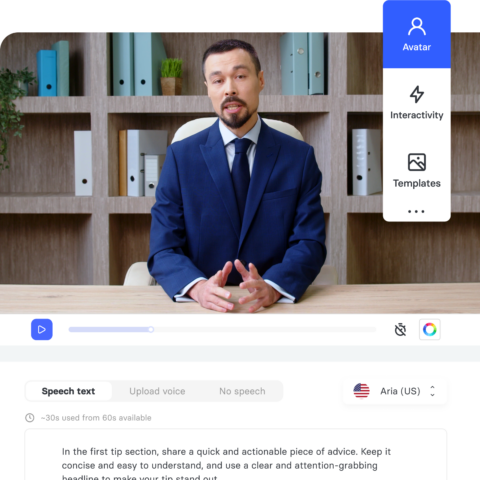
AI Video Studio
A presentation, a PDF or a script becomes a finished video in a few minutes.
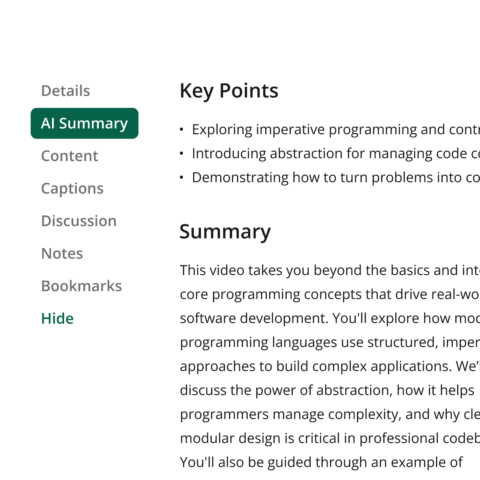
Access AI
Helps people find the exact answer inside a video, without scrolling through the whole thing.
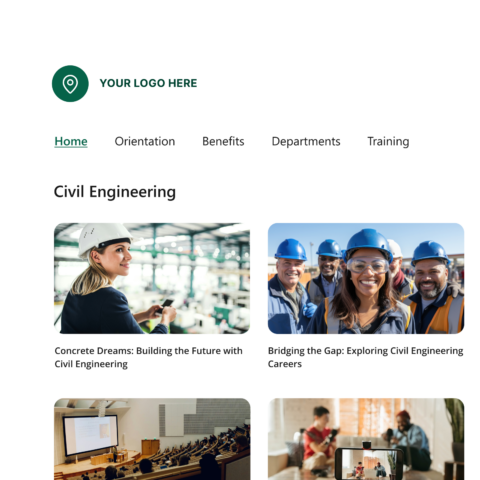
Connect
A mobile-friendly video gallery for outside visitors, styled to match your brand.
Knowledge Insights
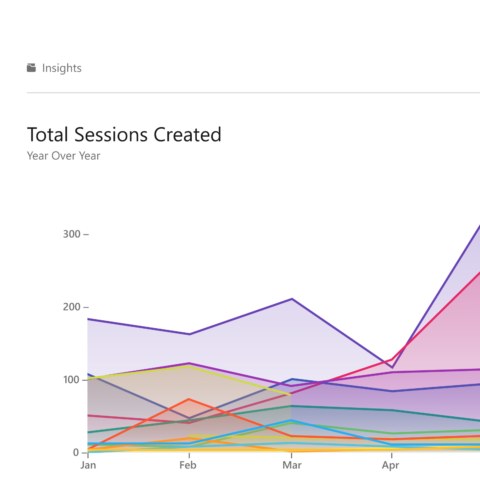
Shows what is actually being watched, and what is not, so you know where the gaps are.
Frequently Asked Questions about Panopto pricing
How is Panopto priced?
Panopto doesn't publish a flat price list. The price is based on the size of your organization, such as how many people will be using it, how much video you're storing, which systems it needs to connect to, and your support needs, so pricing is worked out to fit the actual deployment rather than a one-size-fits-all rate.
Does Panopto charge per user or per video?
No. Panopto is priced around the overall scale of the organization rather than metered per video recorded or watched, so a plan is built around user numbers, storage and the capabilities you need instead of penalizing you for how much content you actually produce.
Is a free trial or demo available?
Yes. We run a live walkthrough of Panopto set up around how your organization would actually use it, recording, search, LMS integration, analytics, rather than a generic feature tour, so you can ask questions specific to your own setup along the way.
What's included in a Panopto subscription?
A Panopto agreement covers video recording and capture, a central video library with permission-based access, AI-driven search across spoken words and on-screen text, LMS integrations such as Canvas and D2L Brightspace, and viewer analytics. Larger deployments can also include live streaming, custom branding and advanced security controls. The exact scope gets confirmed when we put your quote together.
Does Panopto integrate with the tools we already use?
Most likely, yes. Panopto connects with LMS platforms including Canvas, D2L Brightspace, Blackboard and Moodle, along with Microsoft Teams, SharePoint and Zoom, and these integrations are part of the standard setup rather than a paid add-on. If you have a specific system in mind, we can confirm compatibility before anything is signed.
Ready to see what it costs for your organization?
Book a demo and we'll put together a quote scoped to your setup, not a generic package.