
 DA
DAInteractivity in Panopto
Home Video solution Panopto Capabilities Interactivity
Turn watching into participating
A video that just plays from start to finish only tells you whether someone pressed play. Panopto lets you build quizzes, discussion points and assessments directly into a recording, so you can see whether people actually understood what they watched.
Viducon is the official Panopto partner in Denmark. We handle implementation, support and workshops in Danish for your organisation, from the first demo through to daily use.

Discussion and annotation
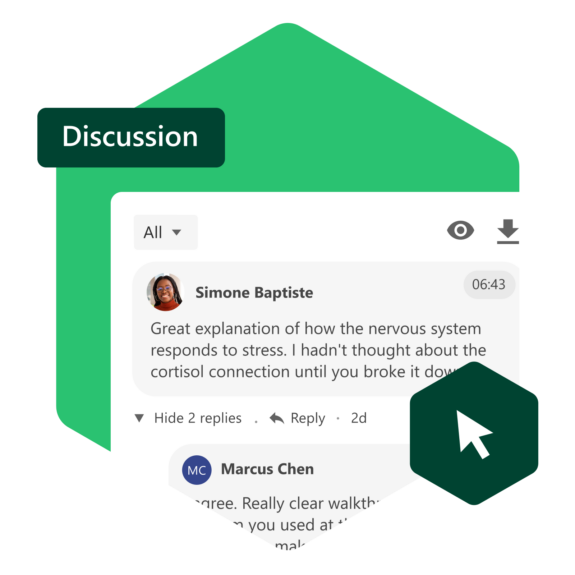
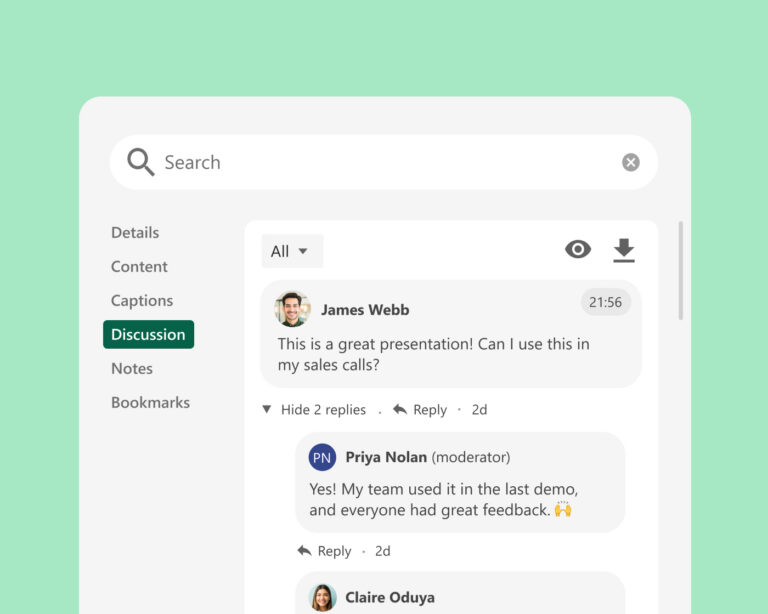
Viewers can leave comments and questions at the exact point in a video they relate to, instead of a generic comment thread underneath. Instructors and subject matter experts can reply inline, so the discussion stays attached to the moment that triggered it.
Assessments built into the video itself
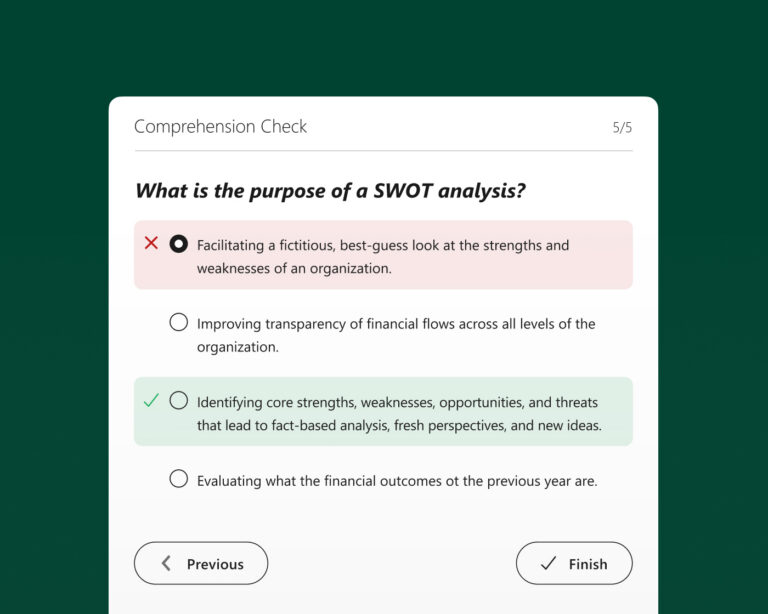
Quizzes can be placed at specific timestamps, so a viewer has to engage with the content before moving on. Results feed back into your LMS gradebook, which means checking understanding doesn't require a separate test outside the video.
See who's actually engaging
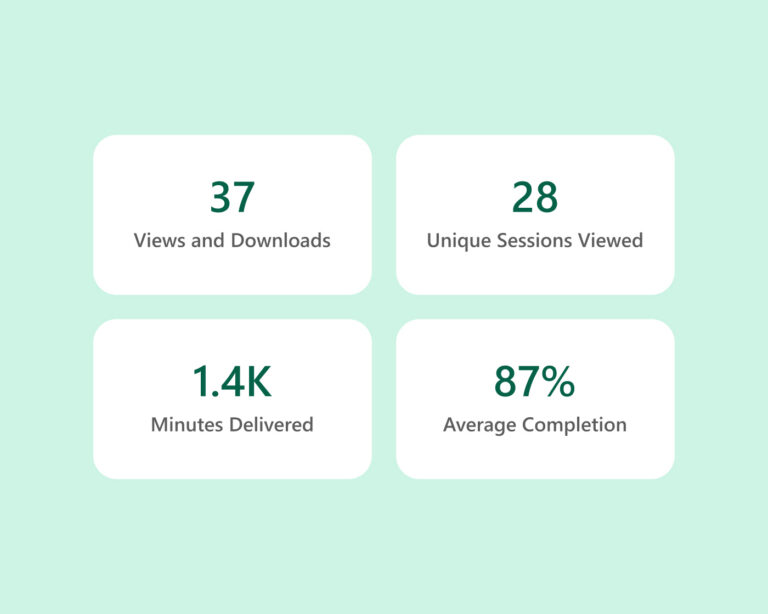
Engagement data shows which parts of a video people rewatch, where they drop off, and how they answer embedded quizzes. That makes it possible to spot confusing sections and improve them, rather than guessing based on total view counts alone.
See more of what Panopto can do
Interactivity is one part of a platform built to get more out of video across your organisation. Take a look at the other capabilities that make it possible.
Frequently Asked Questions about Interactivity in Panopto
Can I embed quizzes directly inside a Panopto video?
Yes, quizzes can be added at specific points in a video, and the video pauses on its own until the viewer answers. Every result is sent to the LMS gradebook and to Panopto's analytics automatically, so an instructor gets a full picture of how the whole class is doing without pulling any of it together by hand.
Can students ask questions or leave comments on a Panopto recording?
Yes, comments can be left at the exact second in the video they relate to, so a question stays tied to the moment it was about instead of sitting in one long list underneath. Teachers and other staff can answer directly in the thread, and there are moderation tools available if a conversation needs to be managed.
What is branching video and when should I use it?
With branching video, the viewer's own choices decide which path the content takes next, so the video adapts based on what they answer. It suits situations like onboarding, compliance courses or practising a difficult conversation, where a real scenario is not practical but a realistic simulation is useful. This comes from Elai, Panopto's own AI video tool.
Can I see how learners are engaging with a specific video, not just whether they completed it?
Yes, Panopto shows exactly where in a video people pause, jump back, skip ahead or stop watching altogether, so an instructor or L&D team can tell which parts actually hold attention and which ones lose people. Put together with quiz scores and completion numbers, this points to which content should be reworked and who might need a bit more help.
Does interactive video content integrate with my LMS?
Yes, everything from quiz answers to completion status and scores is sent to the LMS gradebook on its own through Panopto's integrations. That means interactive video slots straight into whatever grading and reporting setup is already in place, with nothing to move across by hand.
Ready to get started?
See how Panopto helps teams turn passive video watching into something people actually engage with.