
 DA
DAMCP Server
Home Video solution Panopto Video CMS & add-ons MCP Server
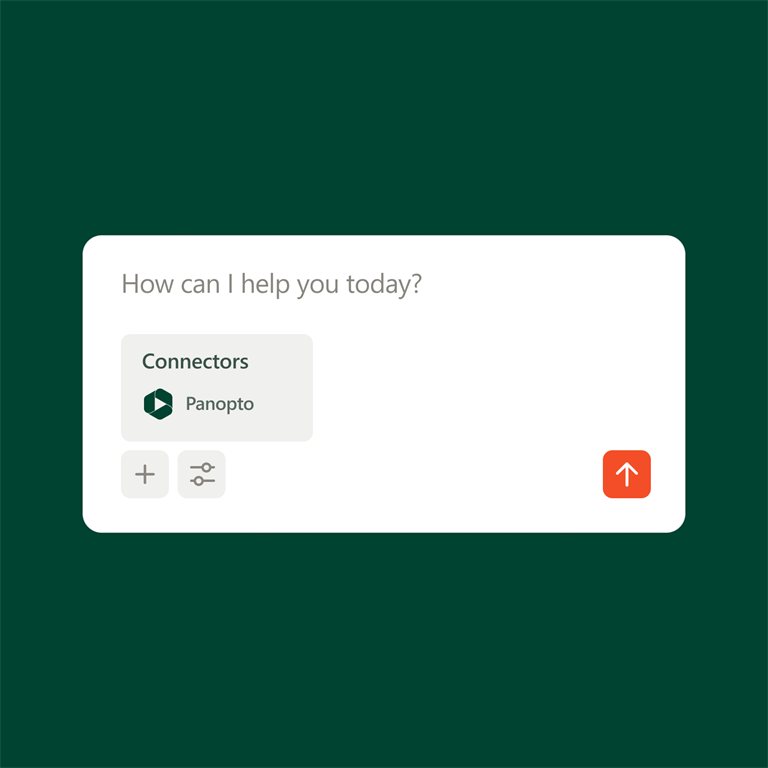
Bring the content you already trust into the AI tools you already use
MCP Server lets approved AI tools such as Claude, ChatGPT and Microsoft Copilot search your Panopto library. People ask their question in the tool they already use and get an answer based on your organisation's own recordings.
It saves them from searching several systems, or watching long recordings, to find something they know was said.
See MCP Server in action
Viducon is the official Panopto partner in Denmark. We handle implementation, support and workshops in Danish for your organisation, from the first demo through to daily use.

Built on top of your video CMS
MCP Server is an add-on to the Panopto video CMS. It connects the library to the AI tools your organisation already has licences for, and what each person can see is still decided by their Panopto permissions.

Stay in the tools you already use
There is nothing new to log in to. People ask their question in the AI tool they use today, and the answer is drawn from recordings they already have access to in Panopto.
Move forward with AI without giving up control
MCP Server uses the security setup you already have in Panopto, so connecting the library to AI does not give anyone access to more than they could see before.
The AI can search for and fetch content, but it cannot change, delete or add anything. Your content is not used to train external AI models, and administrators decide whether AI may reach Panopto at all.
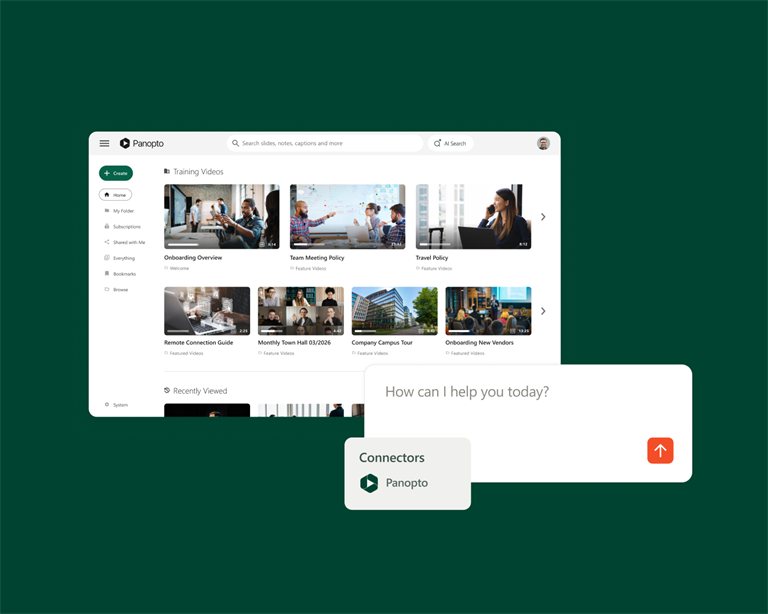
Bring your knowledge into your AI
Panopto is where your organisation records and keeps what it knows. MCP Server makes that material available to the AI tools people use every day, so the answers they get can build on your own content.
Extend it further
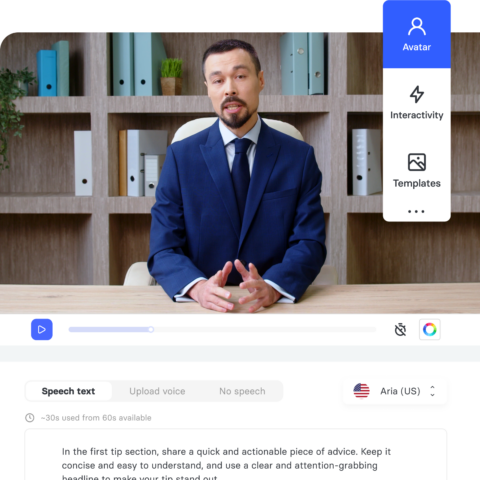
AI Video Studio
Turn a script, a PDF or a presentation into a finished video without a camera or a studio.
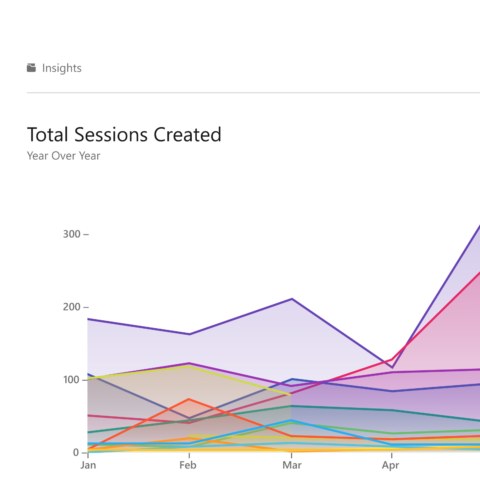
Knowledge Insights
See which videos are actually driving learning outcomes, and which ones aren't.

Connect
Publish video to your own website or portal, styled to match your own design.
Frequently asked questions
What is Panopto MCP Server?
MCP Server connects your Panopto library to approved AI tools such as Claude, ChatGPT or Microsoft Copilot, so the AI can use the recordings your organisation has made when it answers a question. MCP stands for Model Context Protocol, an open standard that lets AI tools connect to outside sources of information.
How do Panopto permissions work with MCP Server?
The same way as before. Panopto permissions still decide what each user can reach, so nobody gets to see recordings they do not already have access to.
Can an AI tool modify content in Panopto?
No. MCP Server only gives read access. The AI can search for and fetch content, but it cannot edit, delete or add anything in the library.
Can administrators control AI access to Panopto?
Yes. Administrators decide whether AI may reach Panopto content, and they can turn it off again if policies, security requirements or plans for AI change.
Is Panopto content used to train external AI models?
No. Content is not used to train external AI models, and Panopto's existing privacy and data-residency protections stay in place.
Want to see it with your own library?
We can show how your Panopto recordings can be used from your AI tool, and what the permission setup looks like.
Already a Panopto customer? Contact us about adding MCP Server.