
 DA
DAFunctions in Vevox
Home Engagement tool Vevox Functions

Vevox runs all of its poll types from one live polling tool. You pick the question type that fits what you want to ask, participants answer from their own phone or laptop with nothing to install, and the results build on screen as the votes come in. It works on its own, inside Microsoft Teams and from PowerPoint, so the same poll runs in a lecture hall, an online meeting or a hybrid session. The list below links to each poll type covered on this page.
Multiple choice
Multiple choice is the poll type most people start with. It works for quizzes, MCQ tests, icebreakers, quick decisions and anonymous feedback. You write a question, add a few answer options and let people vote. If you are running a quiz or a test, mark the correct option so the results show how much the group actually knew.


Word clouds and number clouds
Word clouds are a simple way to get more people taking part in online and hybrid sessions. Participants send in words, and the ones sent most often show up largest on screen. Number clouds work the same way with figures, so the most common answers stand out at a glance. Both work well as icebreakers and for collecting quick input from a group.
Open text
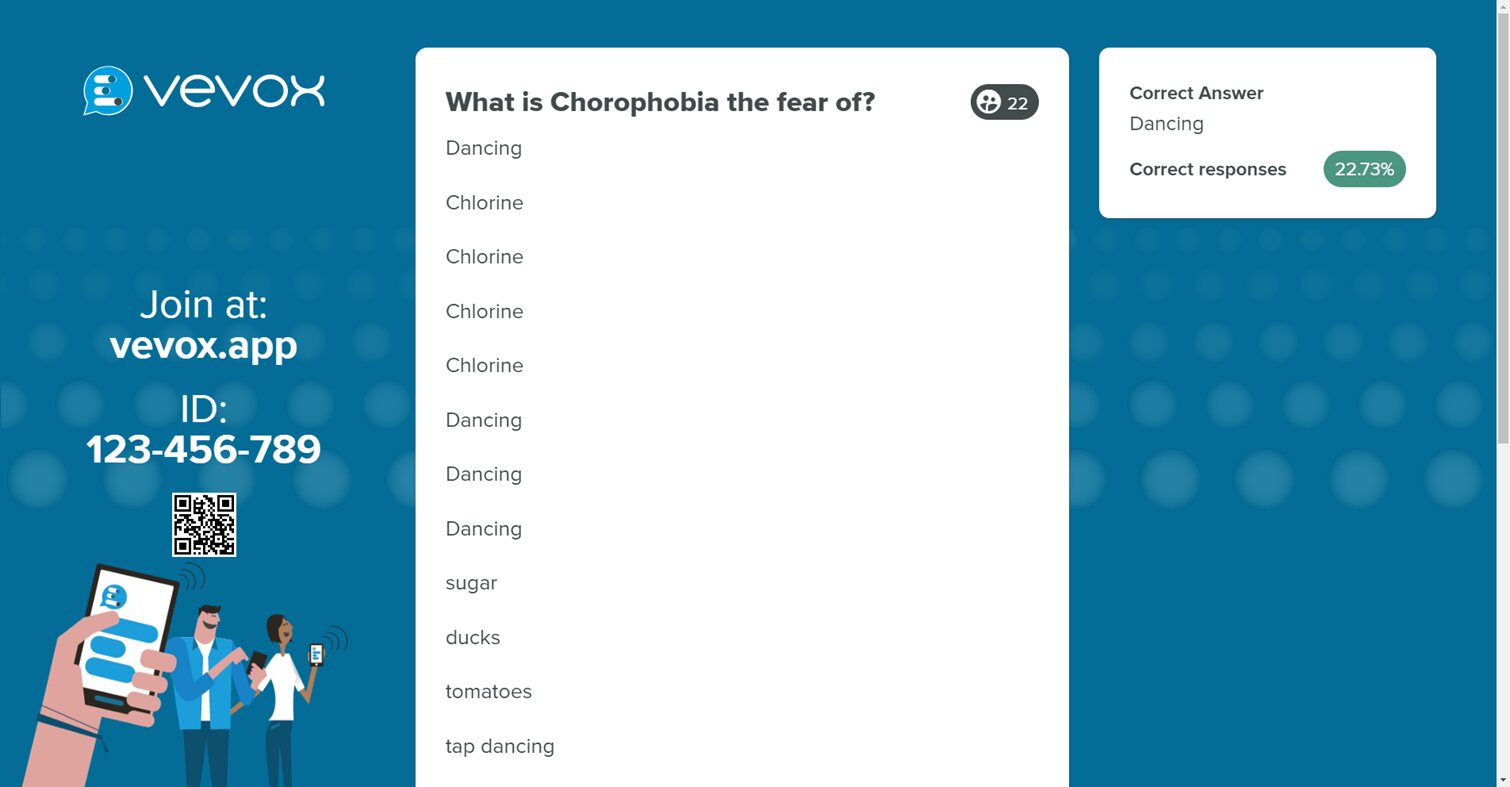
With an open text poll, people type their own answer instead of picking from a list. It suits brainstorming and creative questions where you want a broad range of ideas, and it also works as a quiz question when you want to see whether people can produce the answer themselves. It runs the same way in person, online or hybrid.

Star rating
A star rating poll gives you a quick read on how a group feels about something. Participants pick from one to five stars, and you see the average straight away. It is useful for feedback at the end of a session or a fast check of opinion partway through.
Slider rating
A slider poll asks people to drag a marker along a scale rather than type a number. It is a good fit for questions about agreement or preference, where you want to see how strongly people feel and how spread out the group is. The average and the spread appear on screen as the votes come in.

Numeric
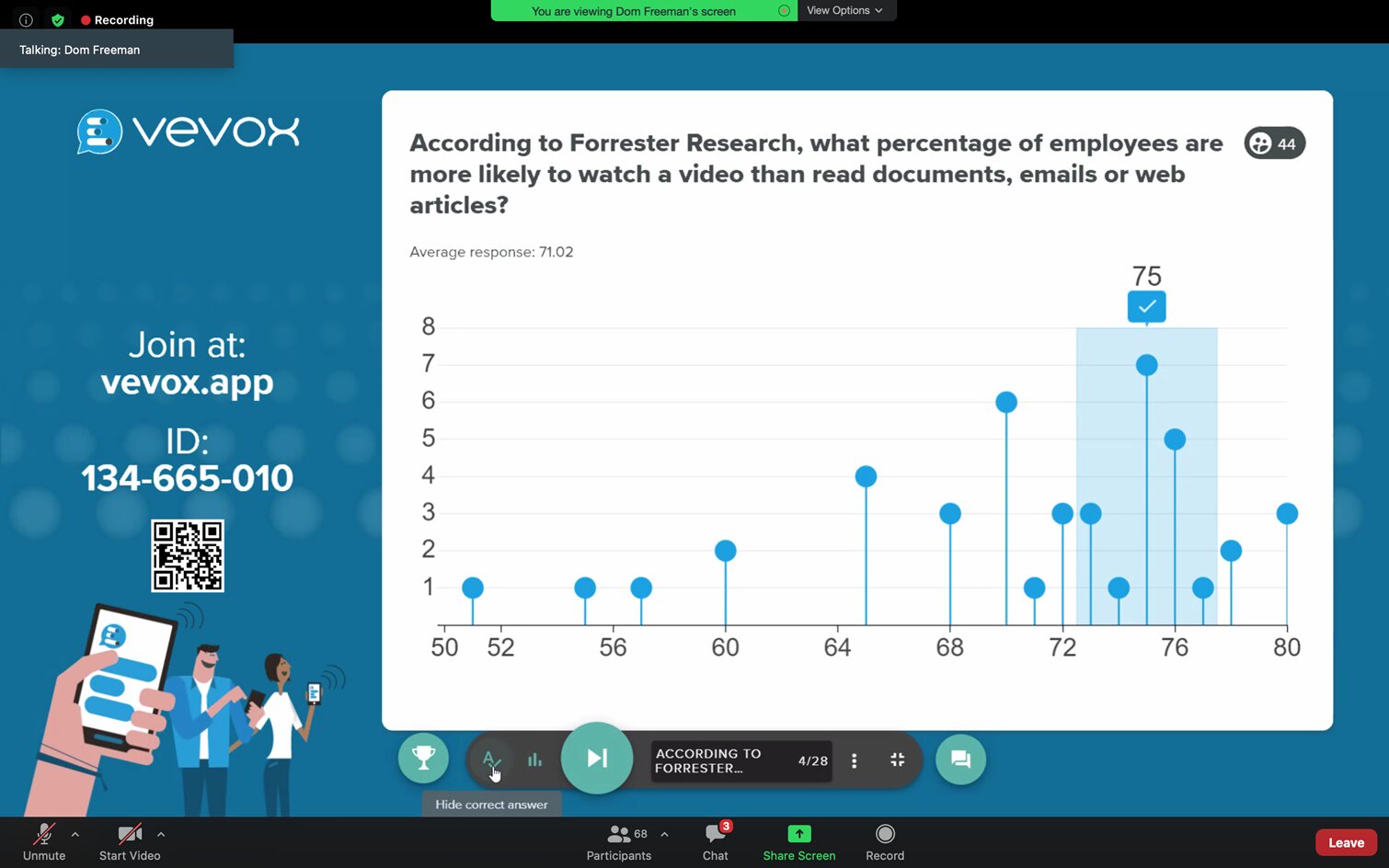
A numeric poll lets people enter a number within a range you set. It works well for quiz questions with an exact answer, and for any question where the response is a figure, such as a target or an estimate. You can mark the correct number when you use it in a quiz.
Ranking
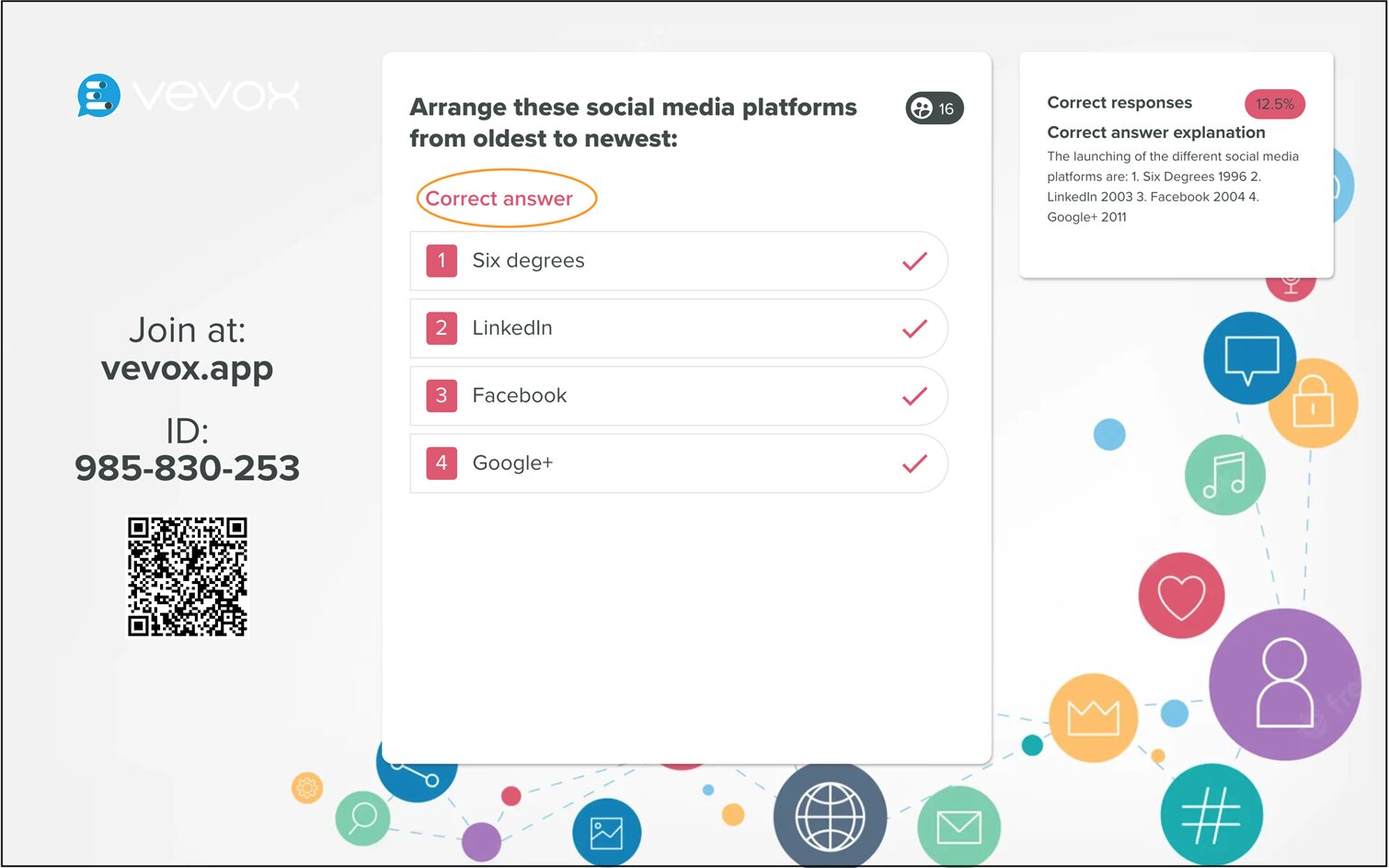
A ranking poll asks people to put a set of options in order. It is handy in meetings for prioritising topics or agenda items, and for quiz questions such as placing events in date order. The results show how the group ranked the options and which one came out on top.
XY plot
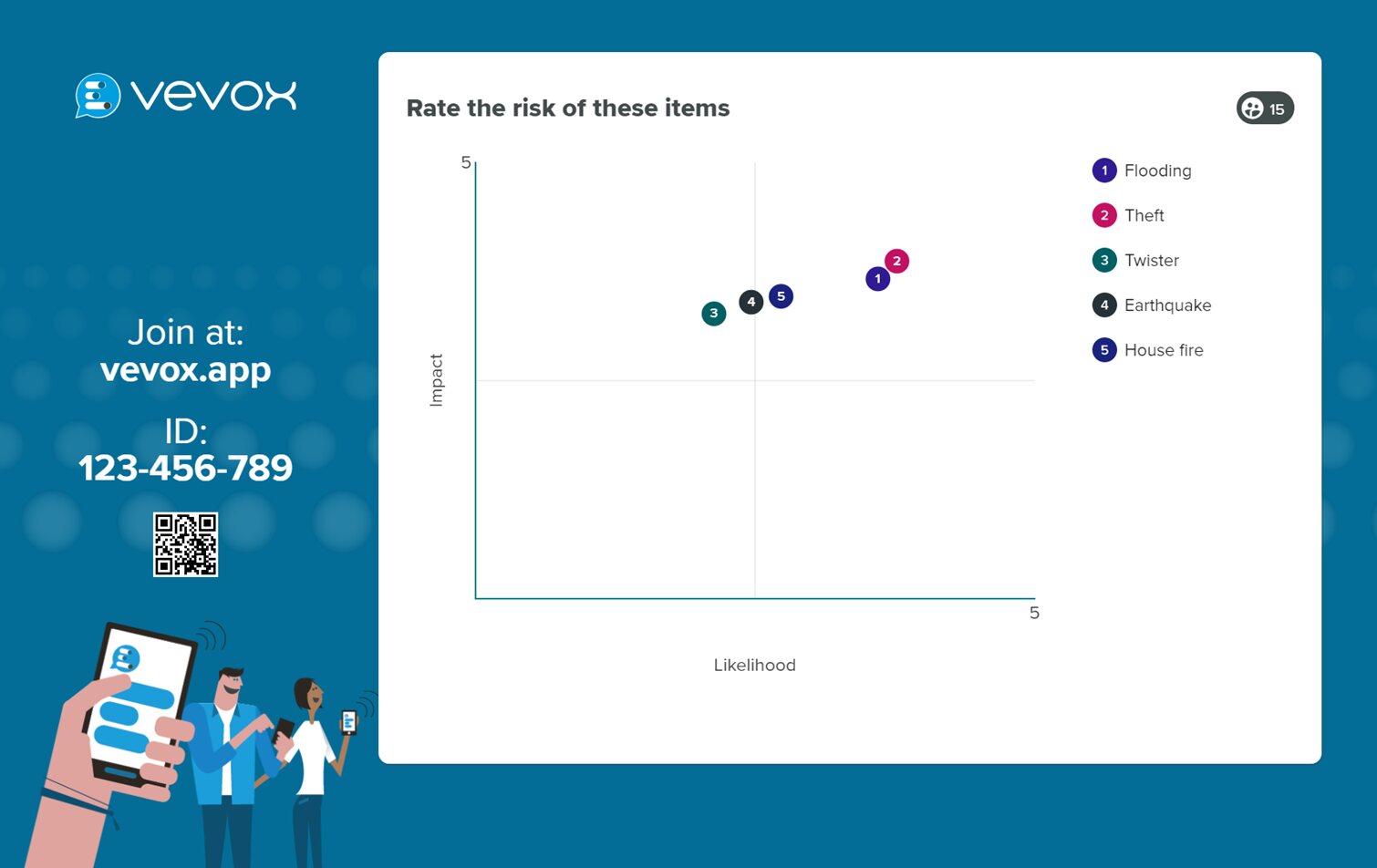
An XY plot poll asks people to place a point on a grid with two axes. It suits questions that weigh two factors against each other, such as the likelihood of a risk against its impact. Every response lands on the same chart as it comes in, so patterns in the group are easy to see.
Pin on image
A pin on image poll shows a picture and asks people to place a marker on the right spot. It is a good way to check whether people can identify parts of a diagram, a map or a photo, and it keeps a quiz visual rather than text only.


Pie chart
A pie chart poll shows the results as slices of a circle, so the split between answers is clear at a glance. It is the same voting as a multiple choice poll, just shown in a different way, and it works well when you want people to see the balance of opinion in the room rather than a list of percentages.
Matching polls
A matching poll asks people to pair items with the right answer, for example a term with its definition or an image with a label. It turns a knowledge check into something more active than a straight multiple choice question, and the results show how many people got each pair right.


LaTeX
LaTeX is a typesetting system used for producing technical and scientific documentation. In conjunction with Vevox, it can be used to include mathematical or scientific formulas and expressions for quiz questions. For example, these LaTeX quiz questions can be used to indicate fractions, greek characters, formulas, and more.