 DA
DAAccessibility in Panopto
Home Video solution Panopto Capabilities Accessibility
A video only helps if everyone can actually use it
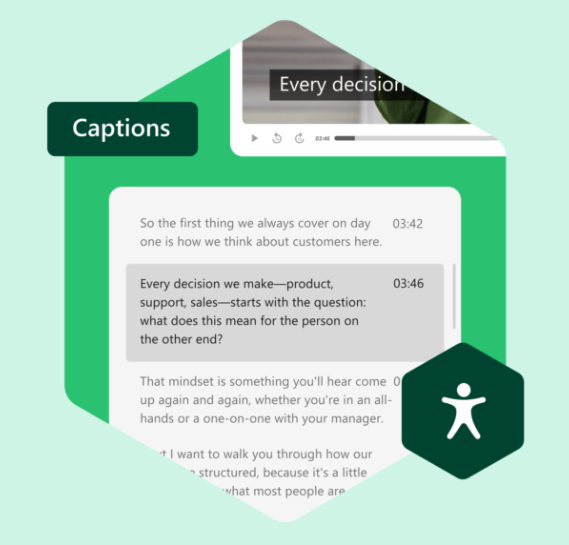
Captions that are added as an afterthought, no way to search what was said, no support for a second language – these are the things that quietly shut people out of video content. Panopto builds accessibility into the platform itself, not as a separate add-on step.
Viducon is the official Panopto partner in Denmark. We handle implementation, support and workshops in Danish for your organisation, from the first demo through to daily use.

Built for learners with different needs, not just the average case
Adjustable playback speed, keyboard-accessible controls and screen reader compatibility mean a recording works whether someone processes information faster with audio, needs extra time, or relies on assistive technology to navigate the page.
Language shouldn't be the reason someone misses the content
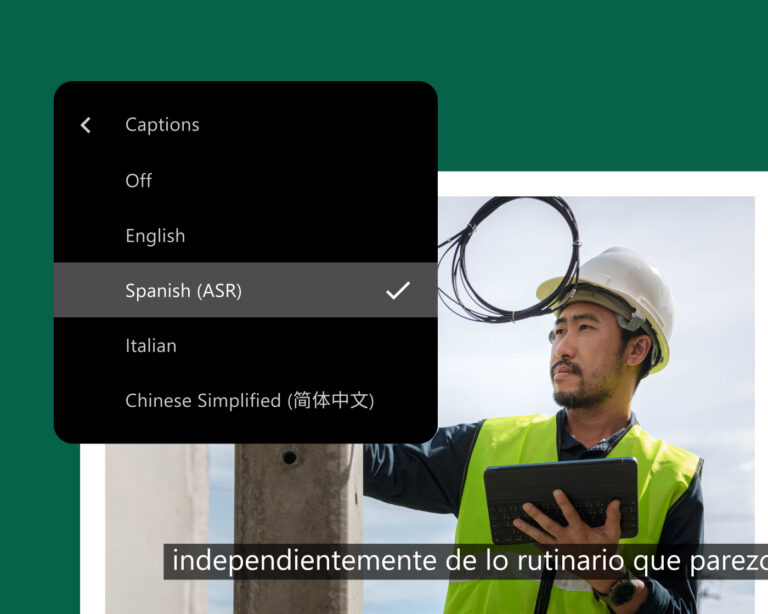
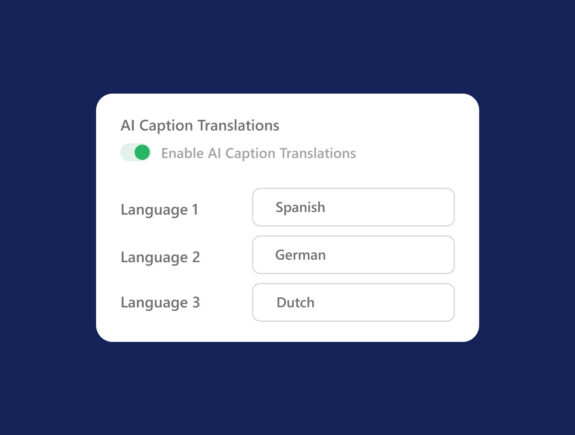
Captions and translations can be generated across many languages without re-recording anything, which matters for organisations training or teaching people who don't all share a first language.
Captions generated automatically, not added by hand
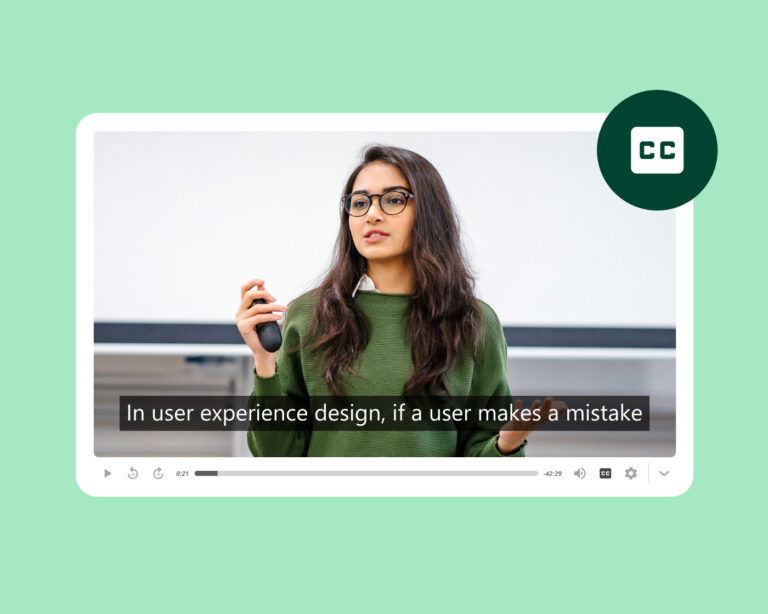
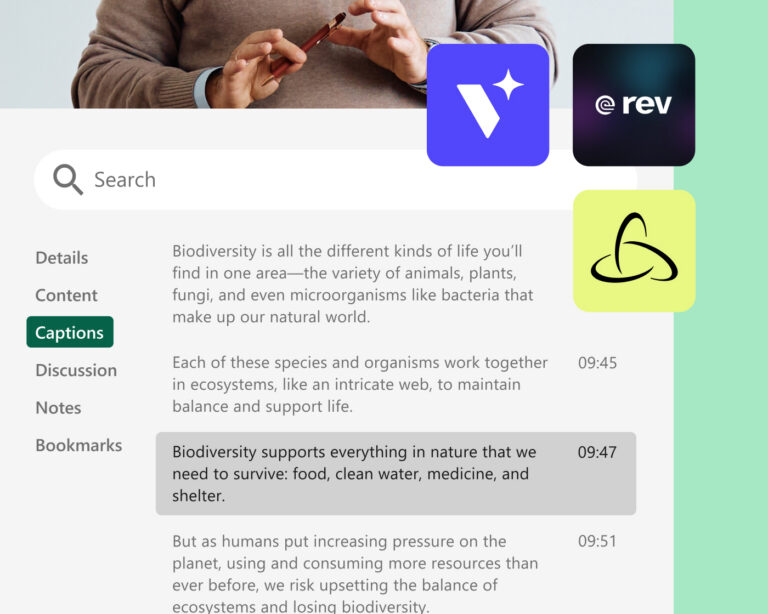
Every recording can be captioned automatically as part of publishing, instead of relying on someone to do it manually afterwards. That keeps captions consistent across a whole library rather than only existing on the videos someone remembered to prioritise.
Compliance without the extra admin work
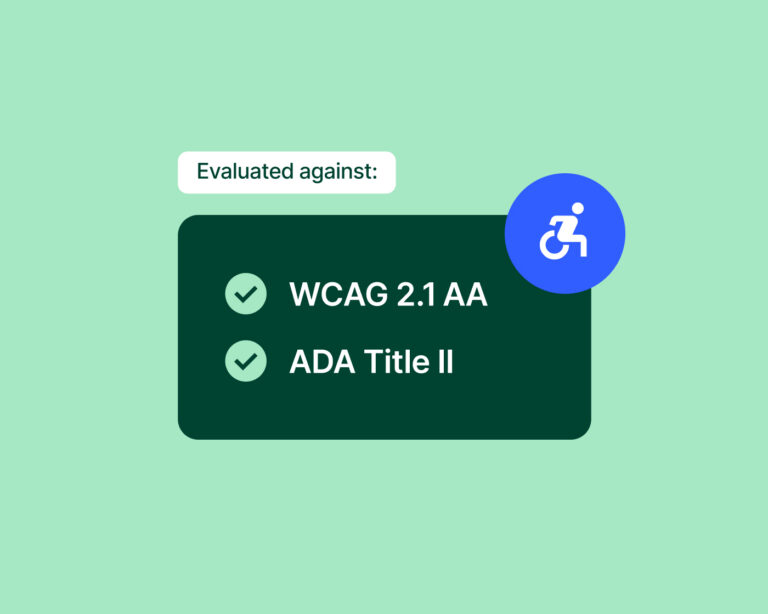
Panopto is tested regularly against WCAG 2.1 AA and Section 508, with documentation ready whenever your institution needs it for ADA Title II, the EU Accessibility Act or UK accessibility rules. Because captioning and accessibility checks run automatically, departments spend less time on manual compliance work, which also lowers the legal and reputational risk for your organisation.
Accessibility that scales across your whole library
Access AI adds AI-generated summaries and smart chapters to every video in your library, making it easier to navigate and find what you need. Combined with Panopto's multilingual captioning, this extends accessibility across your entire library instead of handling it one video at a time.
See more of what Panopto can do
Accessibility is one part of a platform built to get more out of video across your organisation. Take a look at the other capabilities that make it possible.
Frequently Asked Questions about accessibility in Panopto
How does Panopto handle video captioning?
Panopto can add captions automatically to every recording, at folder level or across the whole system. The automatic captions are ready quickly, which is useful when turnaround time matters most. For content where accuracy is critical, you can also order human transcribed captions or connect a third party captioning provider. A built in caption editor lets you correct the automatic captions directly inside the platform.
Does Panopto meet ADA and WCAG accessibility requirements?
Panopto is regularly tested against WCAG 2.1 AA and Section 508, and documentation is available on request. The platform includes screen reader support, keyboard navigation and accessible player controls for all users. For organisations covered by ADA Title II, the EU Accessibility Act or UK regulations, the combination of automatic and human captioning gives you a clear path towards compliance.
Can Panopto translate videos into other languages?
Yes. Panopto supports automatic speech recognition captioning in more than 20 languages, and translated captions can be added as an extra service. You can add several language tracks to the same video, so there is no need to record it again for each language. Translated captions and transcripts are also searchable, which makes multilingual content just as easy to find.
What accessibility controls do learners have in Panopto?
Viewers can adjust font size, colour and position for captions, so they can set them up the way that works best for them. Playback speed can be changed from 0.5x up to 2x, and transcripts can be downloaded for anyone who prefers reading over watching. None of this requires any special setup.
Ready to get started?
See how Panopto makes video content something everyone in your organisation can actually use.