
 DA
Interactive videos in Elai
Turn your viewers into active participants
Home AI video studio Elai Interactive videos
With interactive video in Elai, viewers answer quizzes, choose their own path and click through to more. You build it all in the editor, without code.
Viducon is the official Panopto partner in Denmark (Elai was acquired by Panopto in 2024). We handle implementation, support and workshops for your organisation, from the first demo through to daily use.

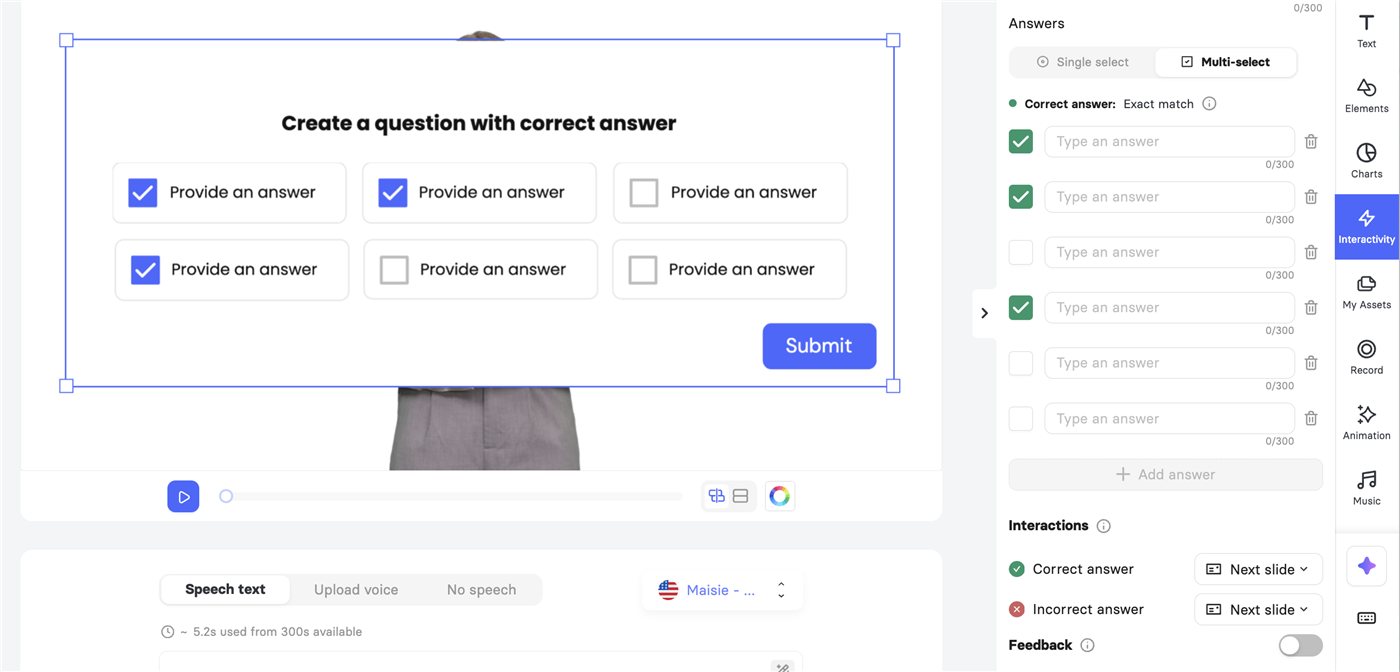
Quizzes
Embed quizzes directly into your interactive video to engage the audience. Even more, you can customize your video to guide users to specific video chapters based on their quiz responses. It’s like creating a personalized journey for each viewer.
Branching
Branching allows you to create a choose-your-own-adventure experience for viewers of your interactive clickable video. They can make choices that influence the storyline, leading to different narrative branches. This feature is excellent for storytelling, interactive marketing, and e-learning content.
Links and Clickable Hotspots
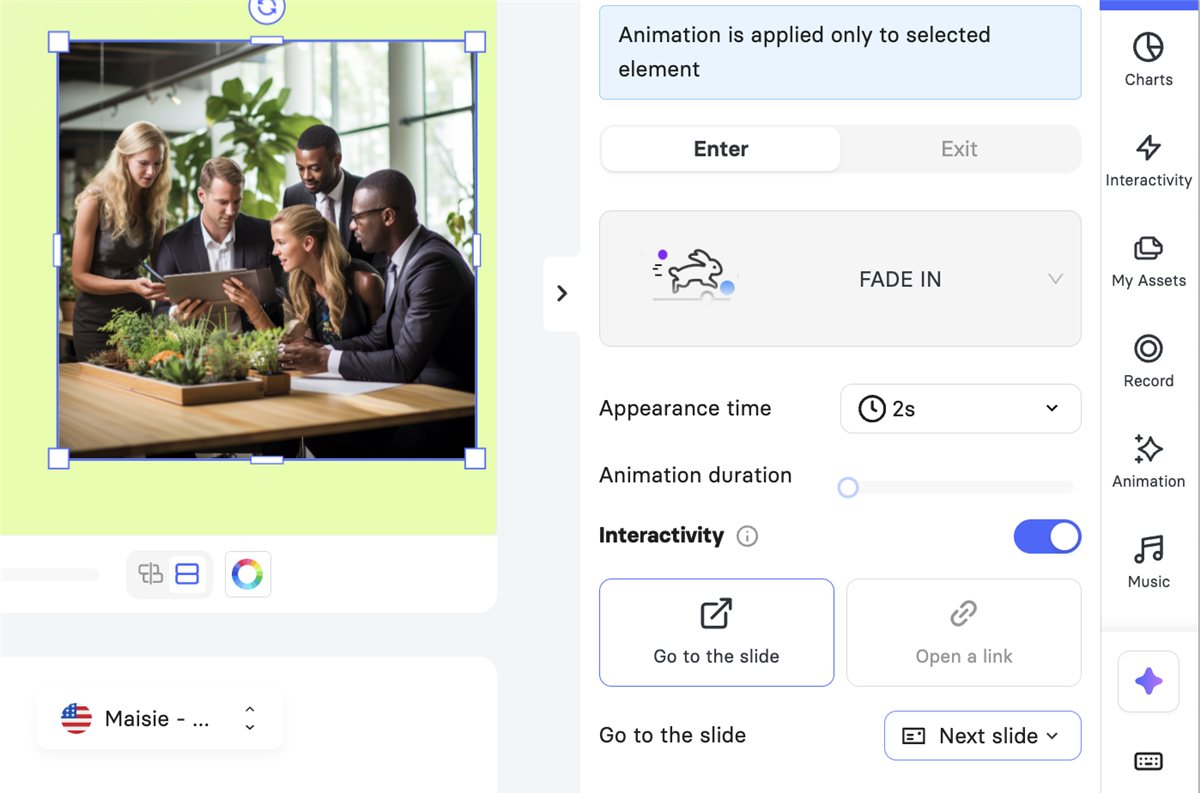
Integrate clickable URLs and hotspots within the video frame. They can lead to external resources or specific video chapters within your video. Clickable hotspots can provide more details about a product or video course, introduce gamification to your video, and make it memorable.
Chapters
Include a chapter menu to allow viewers to navigate easily to specific topics or sections of interest within the video. This feature is particularly useful for lengthy or complex videos, making the content more accessible and user-friendly.


Interactive Timelines
Include an interactive timeline to enhance viewer navigation. Users can click on various points on a timeline to jump to specific parts of the video, making it easier to revisit or skip sections according to their interests.
Accessibility Features
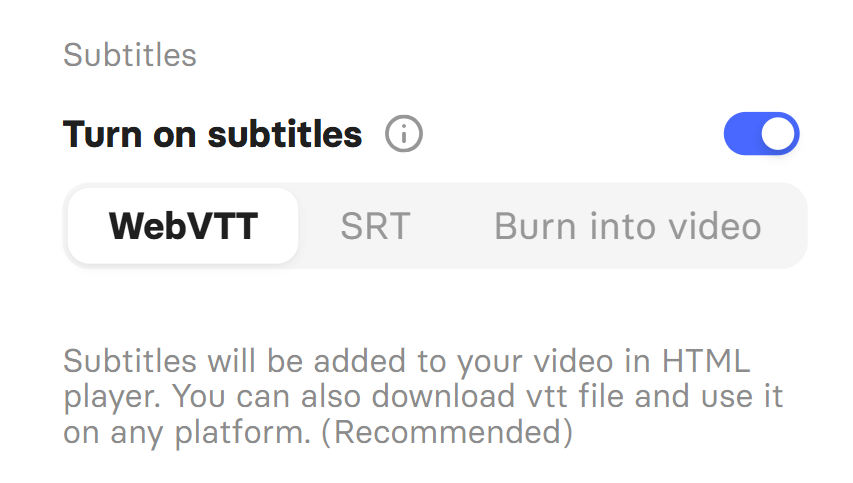
Ensure your video is accessible to all by including features like closed captions.
How to make an interactive video in Elai
Everything interactive sits in one place: the Interactivity tab in the video editor.
Open the Interactivity tab
Select a slide, then open the Interactivity tab in the right-hand sidebar of the editor.
Add a quiz or a button
Write the quiz yourself, or let Elai generate questions from your slide or your whole video. Buttons and hotspots can open a link or jump to another slide.
Decide where viewers go
Choose which slide follows a correct answer, an incorrect answer or a click. That is what creates the branches.
Full walkthrough: Learn about interactive Elai videos
Four ways to branch a video
Quizzes and buttons send each viewer down their own path. These are the four patterns most videos are built from.
Correct answer Wrong answer
Simple loop
Viewers stay on the material until they answer correctly.
What the viewer sees: A wrong answer sends you back to slide 2 to go through the material again. You try the quiz again until you get it right.
Use it for: Must-know content such as safety rules or compliance.
Branch with separate endings
Each path ends on its own, with its own feedback.
What the viewer sees: A correct answer leads to a slide with praise. A wrong answer leads to a slide that explains the right answer. The two paths never meet.
Use it for: Quick feedback after a quiz.
Branch that rejoins
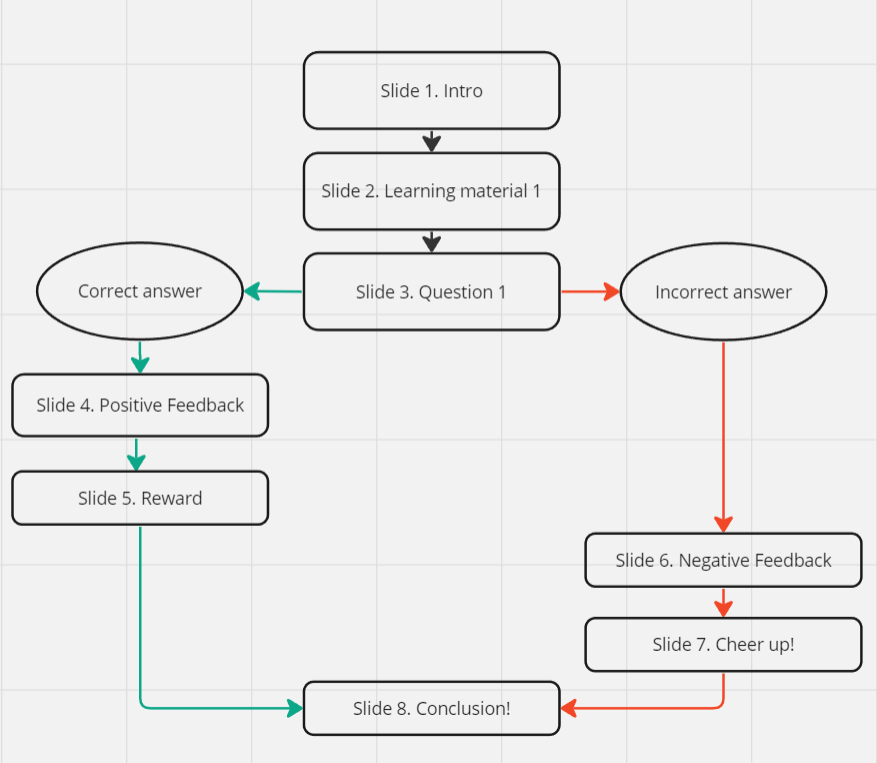
Each path has several slides, and the paths meet again in the same conclusion.
What the viewer sees: Correct answers get praise and a reward. Wrong answers get feedback and encouragement. Then everyone finishes at the same conclusion.
Use it for: Personal feedback with one shared ending.
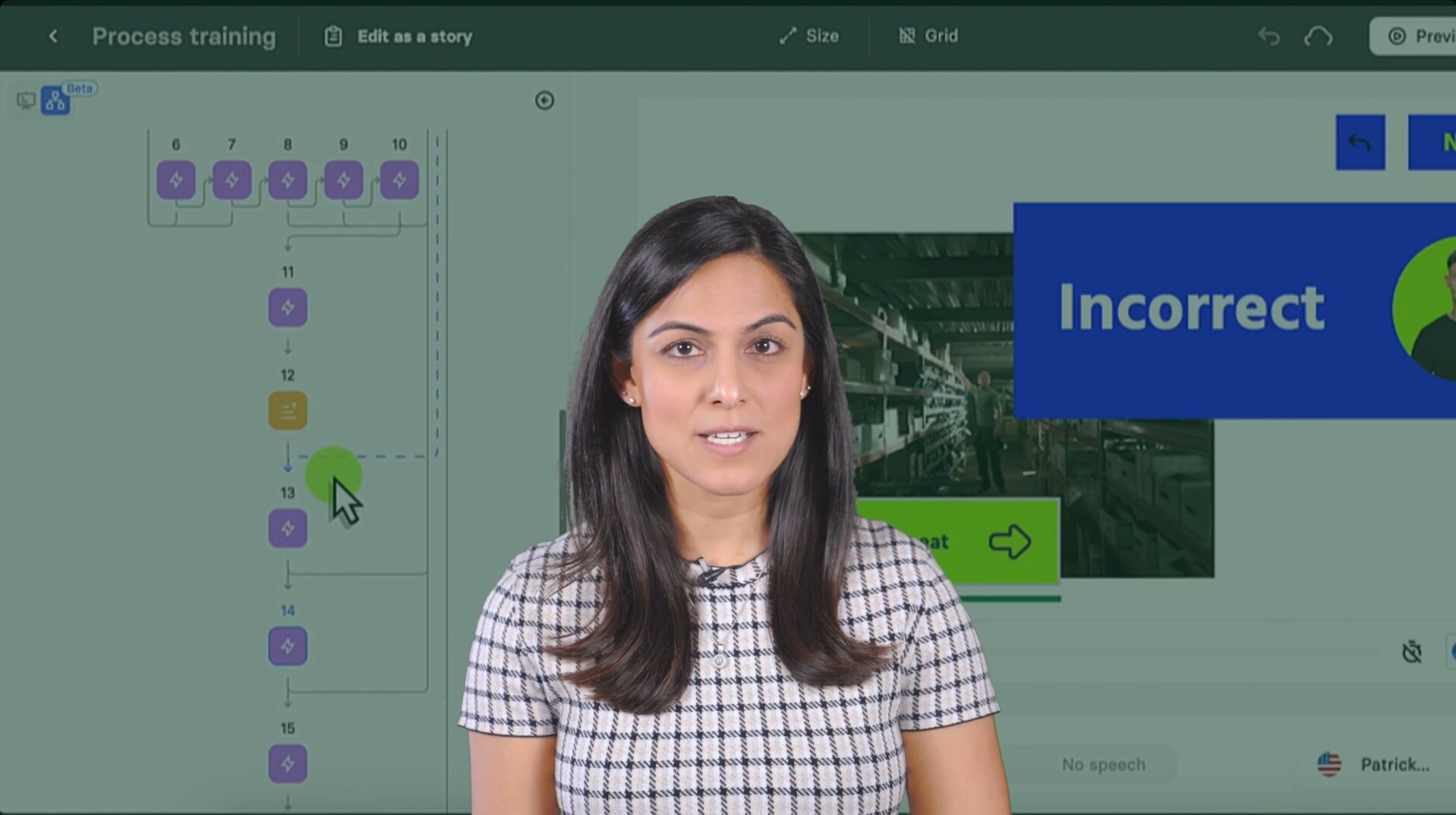
Complex branch
Loops, skips and branches combined, for example a course with a quiz after every section.
What the viewer sees: A quiz after every section. Your answers decide whether you repeat a section, and which ending you get.
Use it for: Full courses and onboarding.
More detail: Interactive branching scenarios
Good to know about plans
AI quiz generation and image-based quizzes require the Enterprise plan. Multi-select answers require Team or Enterprise. See Elai pricing
Benefits
Resource Efficiency
Interactive videos can be more cost-effective in the long run than traditional videos.
Reduced Training Costs
Interactive videos can replace costlier in-person sessions in educational and training contexts, saving on logistics and facilitation expenses.
Personalized Interaction
The ability to make choices and influence the video outcome leads to a personalized experience, which is more engaging compared to passive viewing.
Higher Conversion Rates
Personalized experiences are more likely to resonate with viewers, leading to higher engagement and conversion rates, which drives a higher return on investment.
Enhanced Engagement
Enhanced engagement in interactive videos from Elai’s interactive online video platform improves viewer retention and involvement by providing a personalized and immersive experience that encourages active participation instead of passive viewing.
Use cases
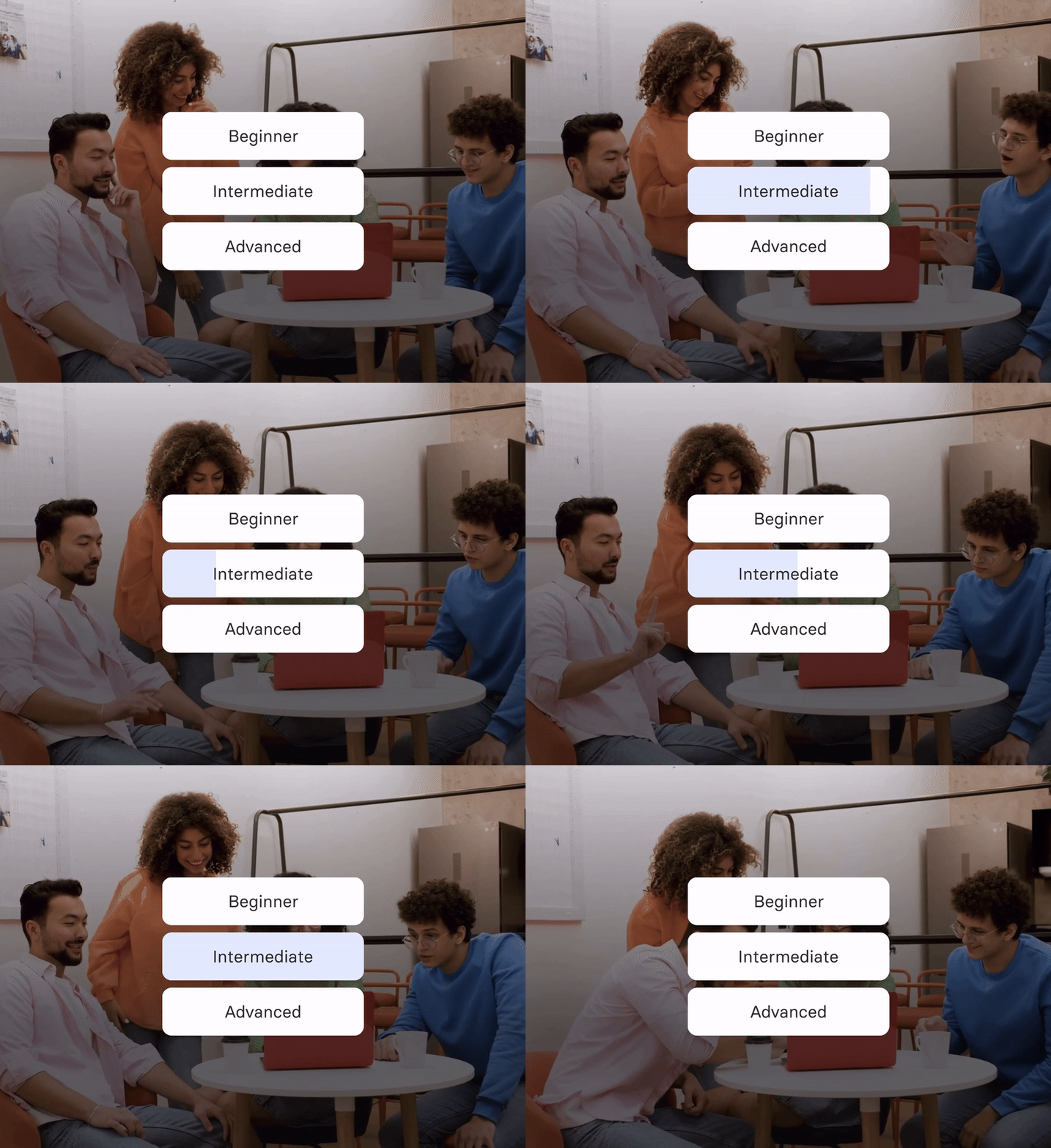
Training Videos for Your Team
• Customized Learning Paths
Create videos where people can choose different learning content based on their role or skill level.
• Interactive Simulation trainings
Implement real-life scenarios that employees might face, allowing them to make decisions and see the consequences of their choices, enhancing problem-solving skills.
Calls-to-Action and Forms Boost Lead Generation
• Embedded CTAs
Include interactive calls-to-action at strategic points in the video, encouraging viewers to sign up, register for events, or contact the company.
• Lead Capture Forms
Add links to forms within the video for viewers to input their information, effectively capturing leads without disrupting their viewing experience.

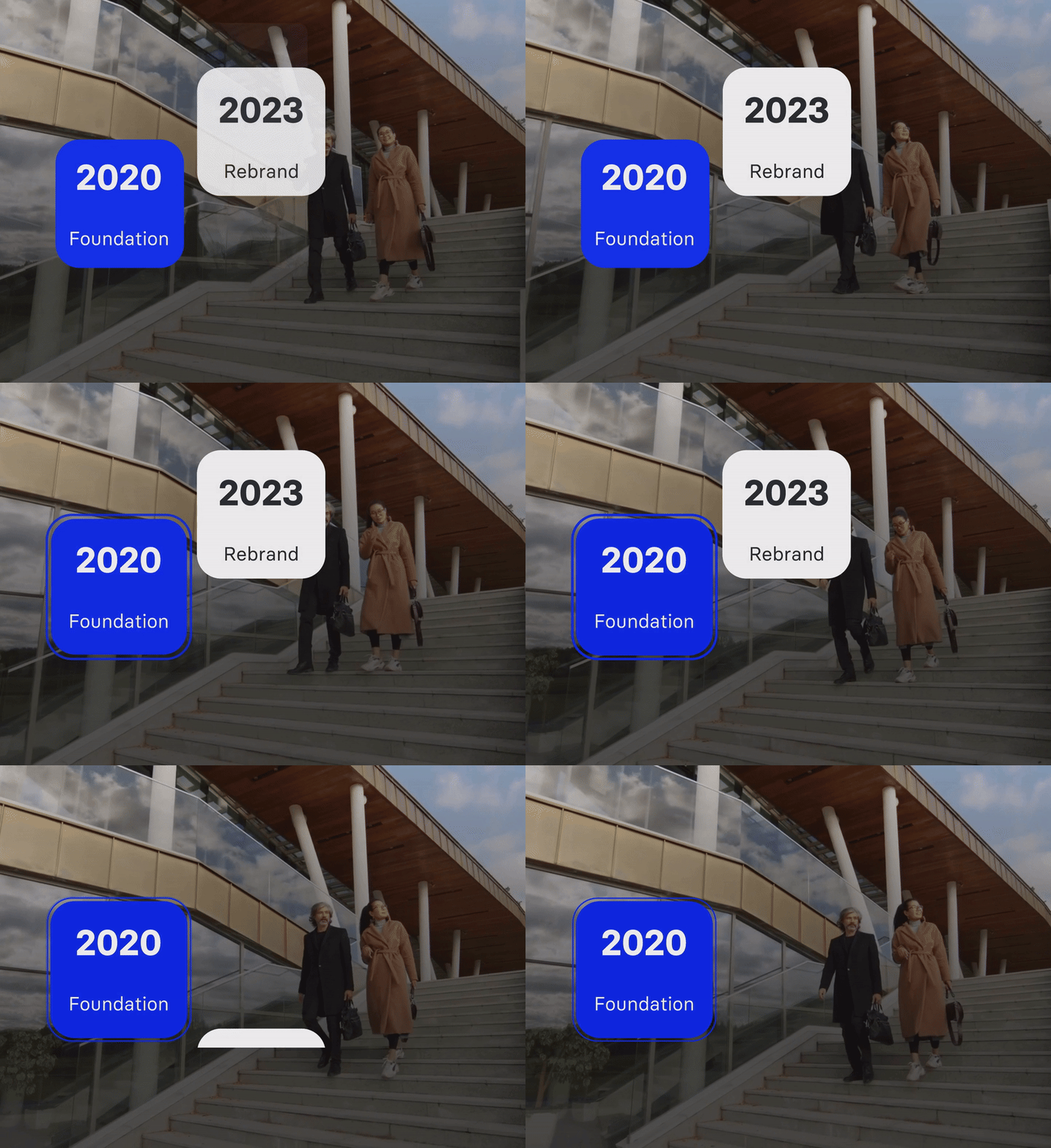
The Ability to Add Branded Interactive Features
• Brand Storytelling
Embed interactive elements that tell your brand’s story in an engaging way, allowing viewers to explore different aspects of your brand.
• Product Exploration
Let viewers interact with your product features within the video, providing a deeper understanding and connection to the brand.
Ease the Learning Process for Students
• Adaptive Learning
Use interactive videos to adapt to the viewer’s learning style and pace, offering a more personalized learning experience.
• Visual Aids and Annotations
Enhance understanding by adding interactive annotations, diagrams, and explainer graphics within the video.
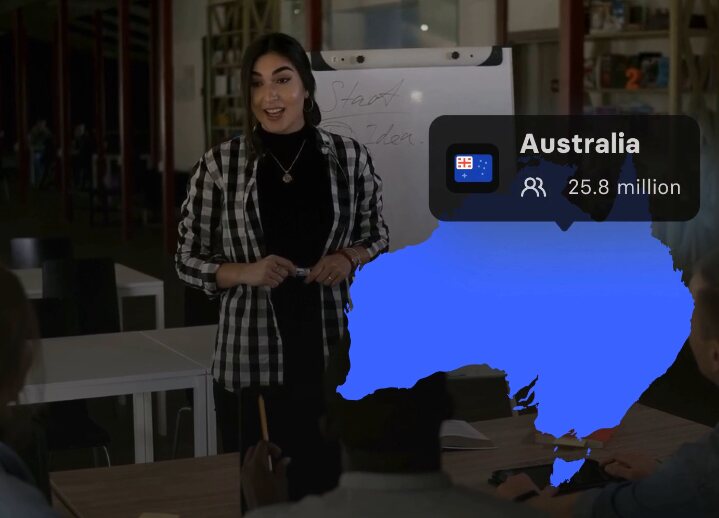

Create Shoppable E-Commerce Videos
• Direct Product Links
Using Elai’s interactive video creator, you allow viewers to click on products featured in the video to add them to their shopping cart or learn more about them.
• Real-Time Customization
Offer options where viewers can see how products look in different colors or styles within the video, aiding in their purchase decision.
FAQ
How does interactive video work?
The interactive video incorporates clickable elements, branching scenarios, quizzes, and other interactive features that allow viewers to engage with the content in real-time.
What is interactive video?
An interactive digital video enables user interaction through various features like clickable hotspots, decision paths, quizzes, and more, transforming the traditional viewing experience into an engaging, participatory activity.
How can a video be interactive?
A video becomes interactive when it includes elements that viewers can interact with, such as choosing different story paths, answering questions, clicking on objects in the video to learn more, or making decisions that affect the video outcome.
How to make an interactive video?
To make an interactive video, you typically use specialized software or platforms like Elai to add interactive elements like clickable layers, branching choices, quizzes, and embedded links into the video content. See how it works above, or Elai's guide to interactive video creation.
Are interactive videos effective?
Yes, interactive videos are effective as they increase viewer engagement, enhance learning and retention, and can lead to higher conversion rates in marketing by providing a more immersive and personalized viewing experience.