 DA
Hybrid learning with Panopto
Home Video solution Panopto Higher education Hybrid learning

Give every student the same quality of teaching, wherever they are
Teachers who run hybrid courses often end up giving two versions of the same class at once, and neither group gets a fully consistent experience. Students who join remotely miss the small things that happen in the room, students in the room can't easily get to the recording afterwards, and accessibility is harder to get right in both formats. All of it ends up with teachers who were never trained to run two formats at the same time.
Hybrid teaching works when both groups get an equal experience. Panopto gives teachers the tools to record, share and manage course content across the formats, without running two separate courses or doubling the workload.
Viducon is the official Panopto partner in Denmark. We handle implementation, support and workshops in Danish for your institution, from the first demo through to daily use.

Record and stream every session in one step
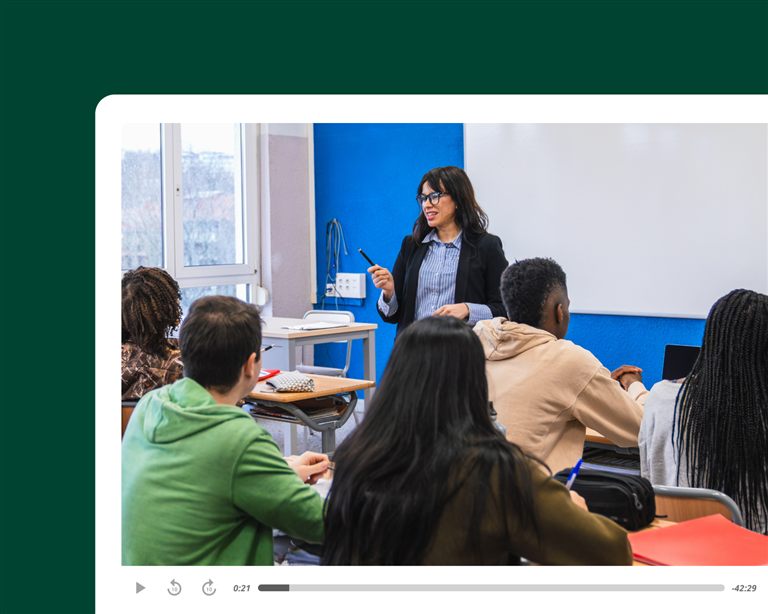
Panopto records a session in the room and streams it to remote students at the same time, with screen, camera and sound captured in one go. Remote students can take part live, and when the session ends the recording appears in the LMS by itself.
Make sure every student starts from the same place
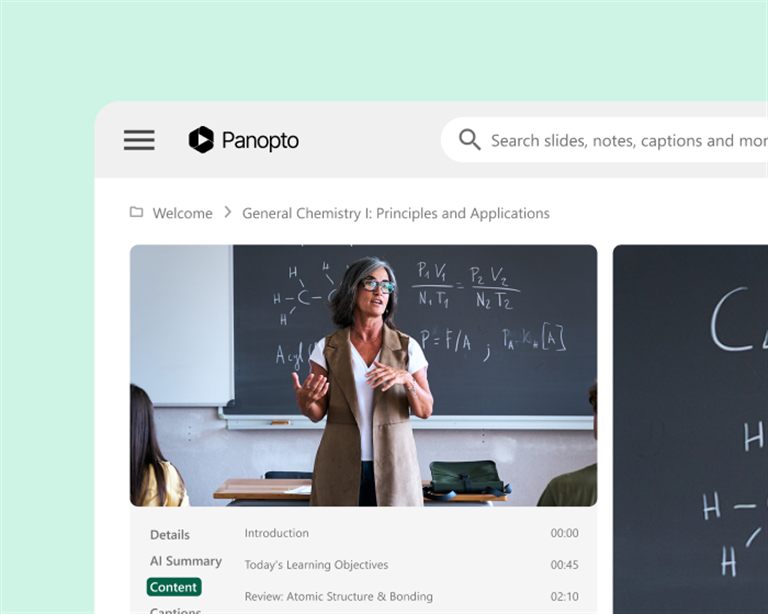
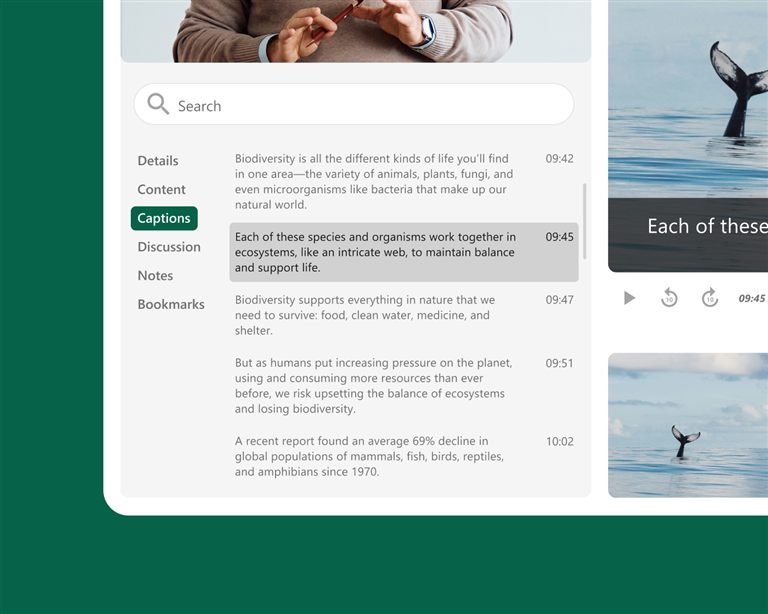
It makes no difference whether a student was in the room, joined online or missed the session. Everyone gets the same recording, with search and captions, available on demand in the LMS. No separate links, no different versions and no gaps in who can see what.
Work with the AV equipment already in your rooms
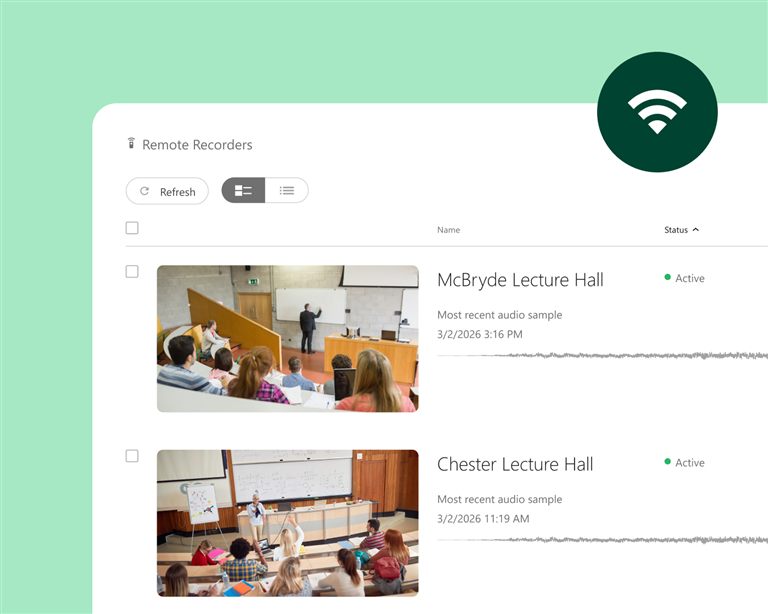
Panopto works with the leading classroom AV systems, including Crestron and Extron, so hybrid recording runs reliably in every teaching room. Recordings start, stop and are published automatically, which means students get the same experience whichever room or campus the teaching takes place in.
Keep accessibility consistent in every format
Captions and transcripts are created automatically for every recording. Remote students, students who missed the session and students with special needs therefore get the same access to the material. Teachers don't have to do anything extra to keep accessibility the same across formats.
What institutions achieve with Panopto
students reported better grades
University of Washington
lower production costs
Kazakh-British Technical University
students improved knowledge retention
Butler University
more video adoption thanks to ease of use
Northeastern University
Figures from Panopto customer case studies.
Frequently asked questions about hybrid learning with Panopto
How does Panopto support hybrid teaching with in-person and remote students?
Panopto can record and stream every session at the same time, with screen, camera and sound in one workflow. Students in the room and students online follow the same teaching at the same time, and the recording appears in the LMS automatically when the session ends. Remote students can take part live and aren't given a poorer experience, and students who miss a session altogether get the same recording with search and captions. The course isn't split into two unequal versions depending on how a student is enrolled.
Does Panopto work with the classroom AV systems we already have?
Yes. Panopto works with the leading classroom AV systems, including Crestron and Extron, so hybrid recording works in every teaching room and teachers don't have to handle any equipment. Recordings start, stop and are published automatically according to the room booking, in any room on any campus. Equipment you have already invested in can therefore be used for recording and streaming without a separate system, and IT sets up the integration centrally.
How does Panopto keep hybrid courses accessible for both in-person and remote students?
Panopto creates captions and transcripts automatically for every recording. Remote students, students who missed the session and students with special needs all get the same access, however and whenever they use the material. It can be hard to keep accessibility consistent across formats in hybrid teaching. With automatic captions, every recording can be captioned by default, whether it was streamed live, recorded in a lecture or made as a video for preparation, and teachers need no extra steps to meet their obligations.
Can students who miss a hybrid session find the recording in the LMS?
Yes. Every session recorded in Panopto can be published automatically to the right course folder in the LMS, with search and captions, so enrolled students can watch it on any device. Students find it where the rest of the course material is, without a separate link and without the teacher doing anything extra. Panopto customers in higher education report nine times as much use of video, because it is easy to use. When recordings are easy to find and move around in, students use them more actively.
How does Panopto help teachers manage the workload of hybrid teaching?
With the LMS integration and automatic recording, teachers run the session once and serve both groups, without managing separate streams, keeping two sets of material or sending out recordings by hand. For teachers who find hybrid teaching heavy to organise, fewer steps to record and publish make a real difference over a semester. The University of Washington has built up more than 60,000 hours of academic recordings with Panopto, which is only realistic when recording is part of the existing routine rather than an extra task.
Ready to give every student the same experience?
See how Panopto gives students in the room and online equal access to every session, inside the LMS and with accessibility built in.